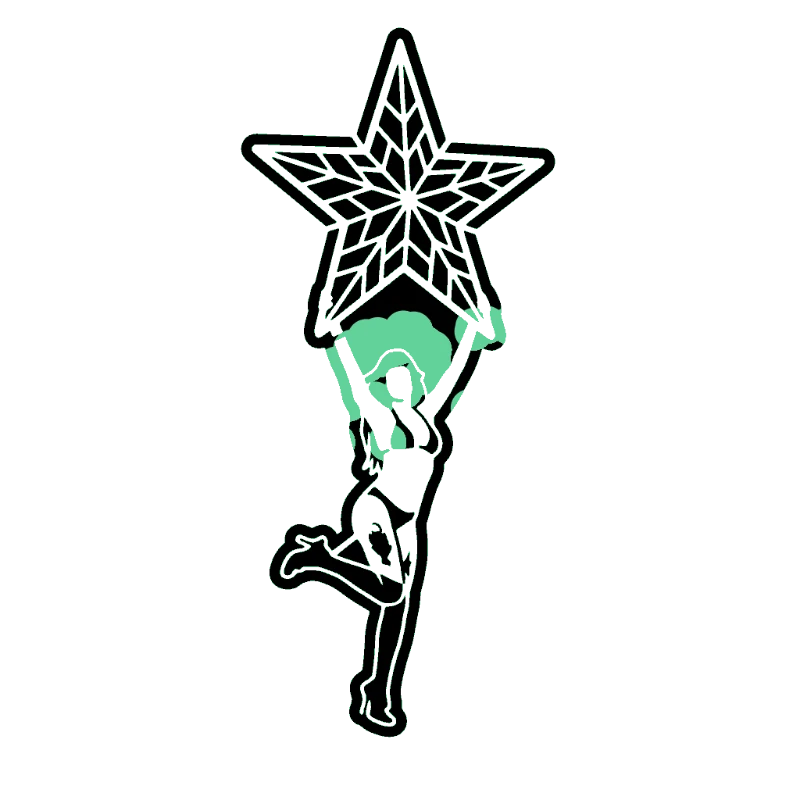

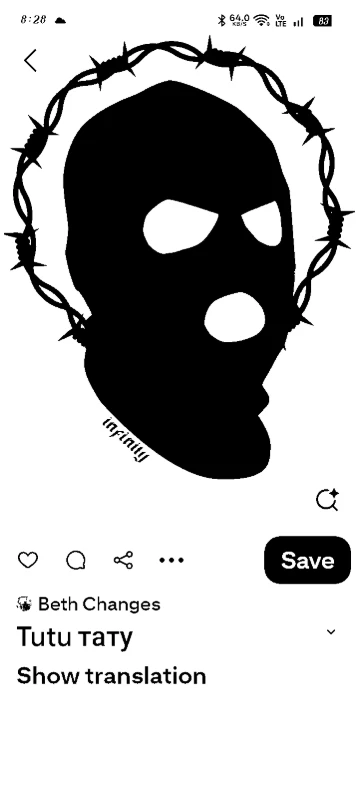
Upload Your Image
Drop in any photo and pick a style. Portraits, pets, logos, anything - the layers are cut for you in seconds.
Used by tattooists, graffiti artists, and screen printers worldwide
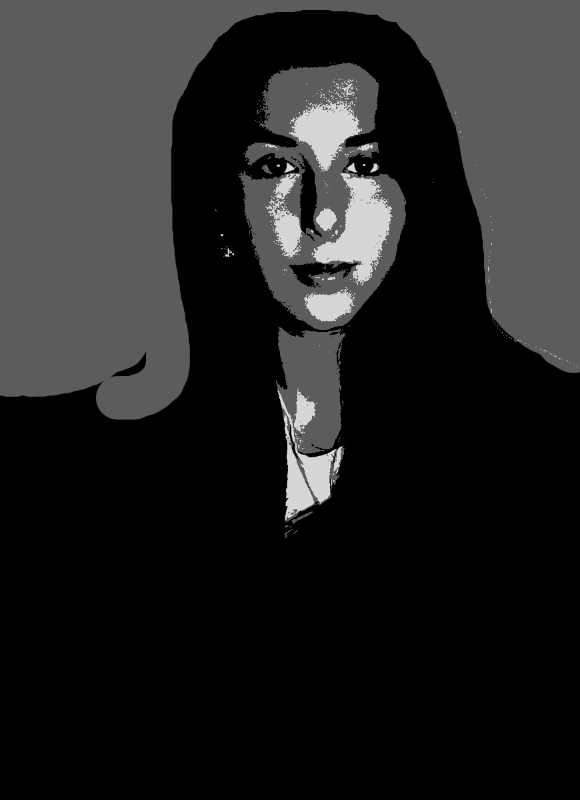
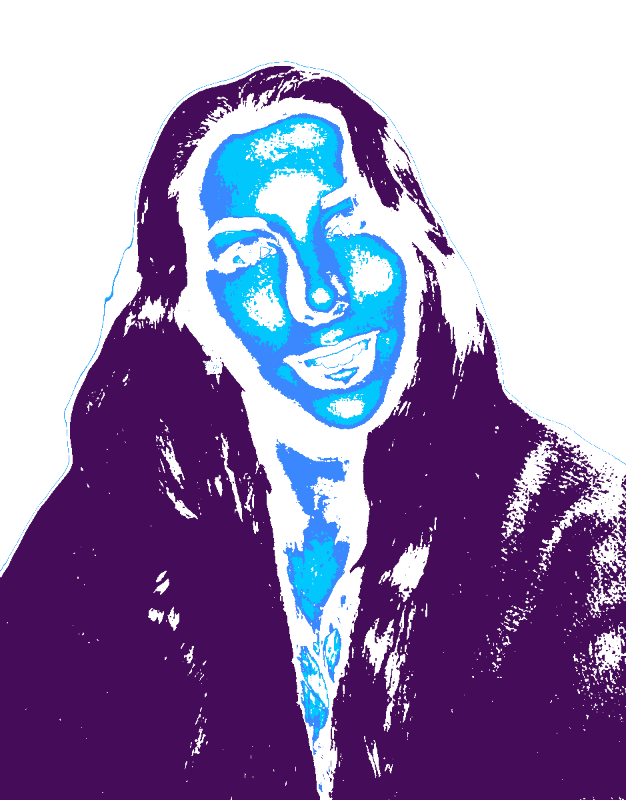
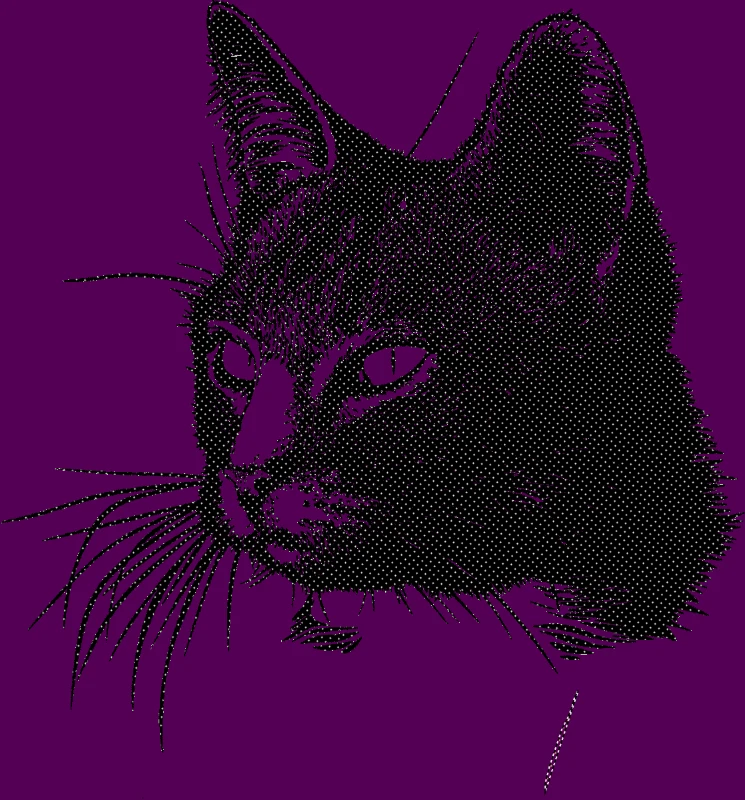
Pure two-tone stencils with no grey, no shading, no fuss. Upload any image and get bold black-on-white shapes ready to spray, cut, or print.
No credit card required
Original → StencilDrag to compare
Black and White Stencils
Real black and white stencil designs with no greyscale - just bold shapes ready for one-colour spray, vinyl, or screen print.
How it works
Drop in any photo and pick a style. Portraits, pets, logos, anything - the layers are cut for you in seconds.
One slider per layer: more detail or a cleaner cut. Hold to compare against the original photo.
Islands that would fall out are found and highlighted. One tap fixes every layer, or draw your own bridges.
Download print-ready files with registration marks. PDF, PNG, Cricut SVG or DXF - your choice.
Features
Hard threshold control, automatic island bridging, and clean vector edges - no muddy mid-tones, ever.
Never worry about floating pieces again.
Handle complex designs with ease.
If you know Photoshop, you're already home.
Every format you need, ready to cut.
Pricing
Free downloads include PDF and PNG with up to 3 layers. Pro unlocks every layer, Cricut, SVG and DXF files, and multi-page printing.
$0Free
No card needed.
$99once$249
Pay once. Keep Pro forever.
7-day money back. Secure checkout by Stripe.
$10/ month
Renews monthly. Cancel anytime.
7-day money back. Secure checkout by Stripe.
FAQ
This tool forces a single black layer with hard edges - no greys, no halftones, no shading. The multi-layer maker separates an image into 2-6 colour layers. Use this one when you only need one colour and want the cleanest possible cut paths.
High-contrast subjects with clear shapes: silhouettes, faces with strong directional lighting, hand-drawn linework, logos, or anything with bold outlines. Soft photos with even lighting need a quick threshold tweak before they look right - the slider in the editor handles that in one tap.
Yes - export as SVG and import into Cricut Design Space or Silhouette Studio. The output is a single black layer with clean closed paths, ready to cut from vinyl, cardstock, or HTV with no extra clean-up.
Perfect for it. Single-colour screen prints need exactly this kind of two-tone separation - solid black areas on transparent background. Export as a high-resolution PNG and you can burn straight to a screen.
Yes. Floating islands (eyes inside a face, holes in a letter "O") are bridged automatically so nothing falls out when you spray, cut, or peel. You can also draw your own bridges manually if you want full control.
Yes - the wall-size tiling feature splits any stencil across multiple sheets so you can make a black and white stencil any size, from a sticker to a full wall mural, on a regular home printer.
Convert any photo or design into a pure black and white stencil with no greyscale or halftones. Our black and white stencil maker uses a hard threshold algorithm to produce clean two-tone output - perfect for one-colour screen printing, vinyl cutting on Cricut or Silhouette, single-layer spray paint stencils, and traditional black tattoo flash. Export as PNG for printing, SVG for Cricut Design Space and Silhouette Studio, PDF for tiled wall-size prints, or DXF for laser cutters and CNC routers. Whether you're making a Banksy-style street piece, a one-colour band tee, or a high-contrast portrait, this tool gives you sharp, printable black and white stencil files in seconds.
Get a clean black and white stencil from any photo. Your first stencil is free.
No account needed to try