



Upload Your Image
Drop in any photo and pick a style. Portraits, pets, logos, anything - the layers are cut for you in seconds.
Trusted by tattoo artists worldwide
Upload any design, photo, or sketch and turn it into a clean tattoo stencil online, free. Crisp line work, proper sizing for any placement, and exports ready for thermal printers and transfer paper.
No credit card required

Original → StencilDrag to compare
Tattoo Stencils
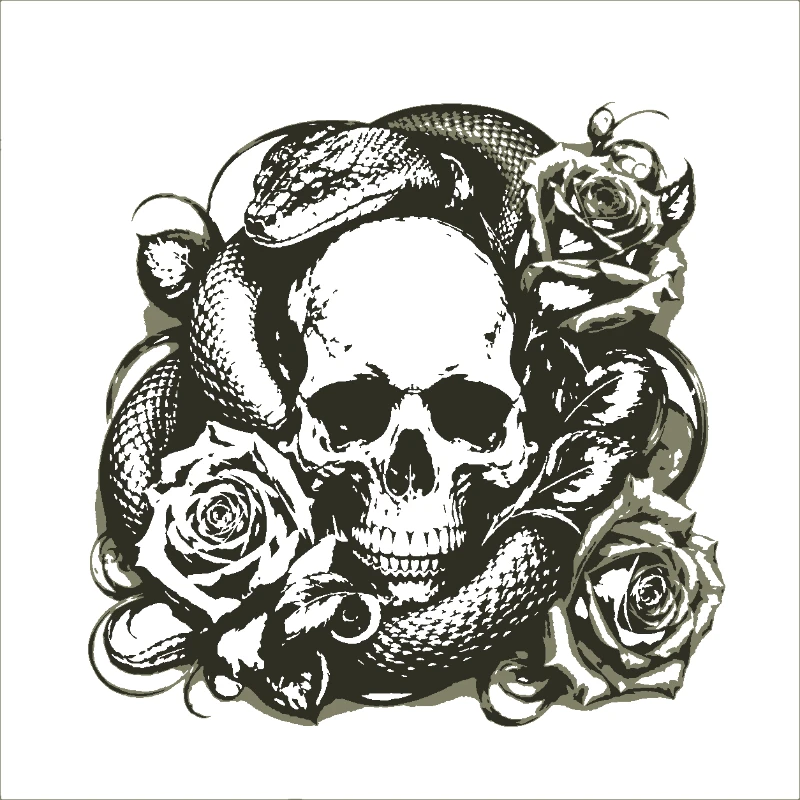
Real tattoo stencil designs created by artists using our tool - from portraits to custom flash.
How it works
Drop in any photo and pick a style. Portraits, pets, logos, anything - the layers are cut for you in seconds.
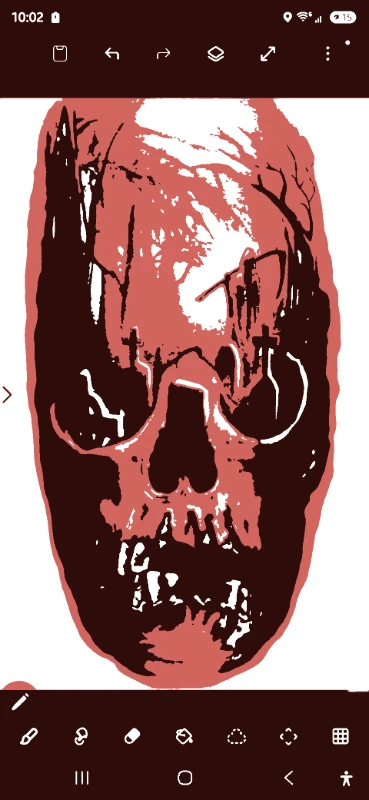
One slider per layer: more detail or a cleaner cut. Hold to compare against the original photo.
Islands that would fall out are found and highlighted. One tap fixes every layer, or draw your own bridges.
Download print-ready files with registration marks. PDF, PNG, Cricut SVG or DXF - your choice.
Features
Clean lines, proper contrast, and export formats that work with thermal printers and transfer paper.
Never worry about floating pieces again.
Handle complex designs with ease.
If you know Photoshop, you're already home.
Every format you need, ready to cut.
Pricing
Free downloads include PDF and PNG with up to 3 layers. Pro unlocks every layer, Cricut, SVG and DXF files, and multi-page printing.
$0Free
No card needed.
$99once$249
Pay once. Keep Pro forever.
One payment, non-refundable. Secure checkout by Stripe.
$10/ month
Renews monthly. Cancel anytime.
7-day money back. Secure checkout by Stripe.
FAQ
Yes. Many professional tattoo artists use our tool to convert reference images into clean stencils for thermal transfer printers. The high-contrast output works great on transfer paper.
Absolutely. Export your stencil as a high-contrast PNG or PDF and print directly to thermal transfer paper. The clean line separation ensures crisp transfers.
Yes! Take a photo of your hand-drawn sketch and upload it. The tool will clean up the lines and convert it into a proper stencil with adjustable contrast and threshold.
Portrait stencils are one of our strongest use cases. The multi-layer separation captures skin tones, shadows, and highlights as distinct stencil layers for realistic results.
Yes. When exporting, you control the output size. You can scale your stencil to fit any body area - from small wrist tattoos to full back pieces.
For most designs, yes. Our tool produces consistent, clean lines with proper contrast separation in seconds. You can always fine-tune manually after the initial generation.
Upload the photo, adjust the threshold slider until the lines read clearly, and download the PDF or PNG free. No account or software needed — it runs in your browser.
Print at the exact size of the placement. Our export dialog lets you set precise dimensions in cm or inches, so a 9cm forearm piece prints at exactly 9cm — no scaling guesswork at the shop printer.
Yes. Use the smoothing and contrast controls to keep thin strokes intact, and the eraser to clean up noise. For script lettering, upload a high-resolution image for the cleanest edges.
Convert a photo to a tattoo stencil online free. No Photoshop, no hand-tracing. Our tattoo stencil generator produces clean, high-contrast output for thermal transfer printers (Cricut-style thermal copiers and dot-matrix stencil printers) and manual tracing. Upload portraits, flash designs, lettering, or client reference photos and get a tattoo-ready stencil in seconds. Resize for any placement from wrist to full back piece, then print at exact dimensions.
Used by tattoo artists in studios worldwide. Create your first tattoo stencil for free.
No account needed to try