Printable for spray paint, tees and tattoos
Free skull stencils
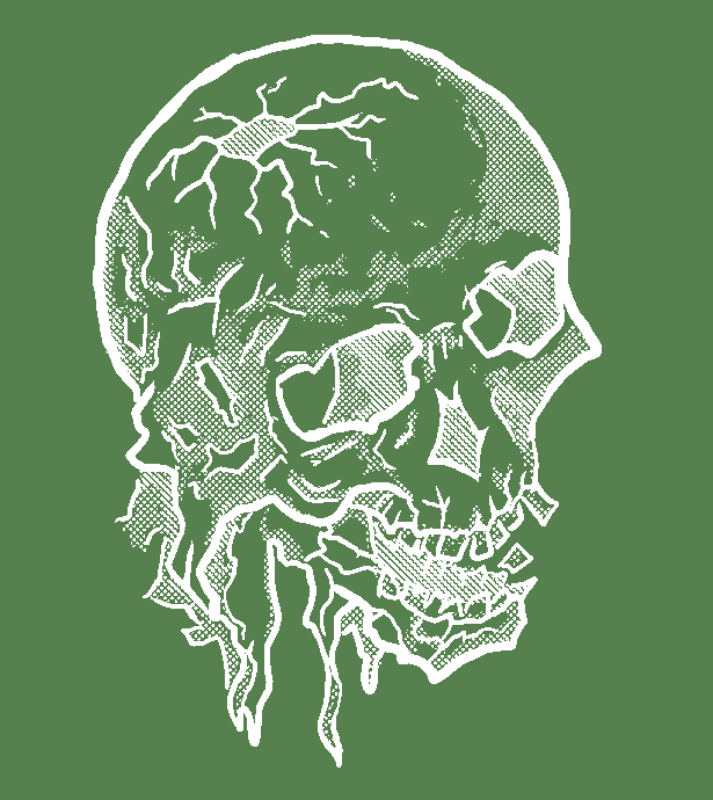
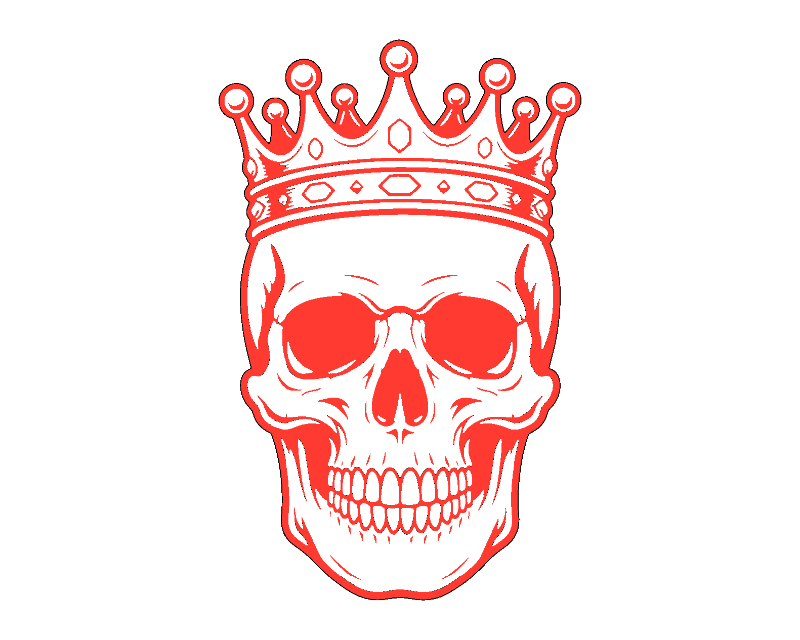
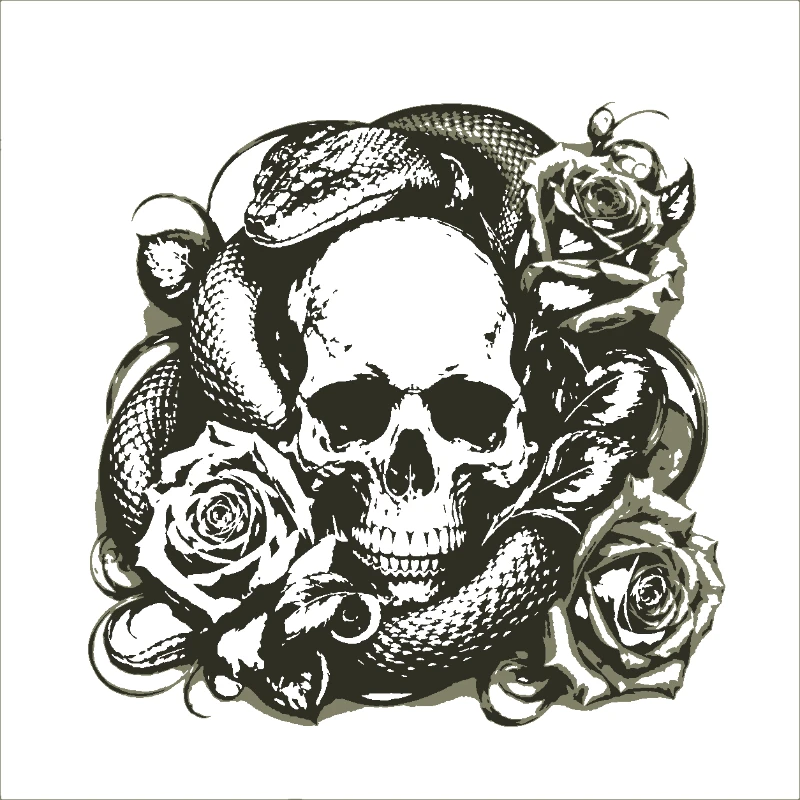
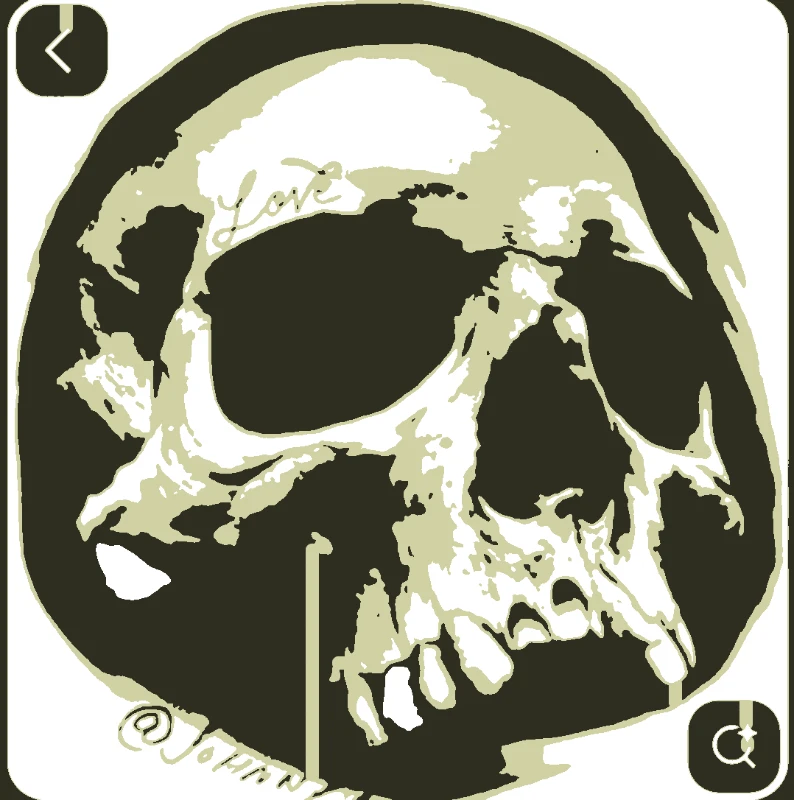
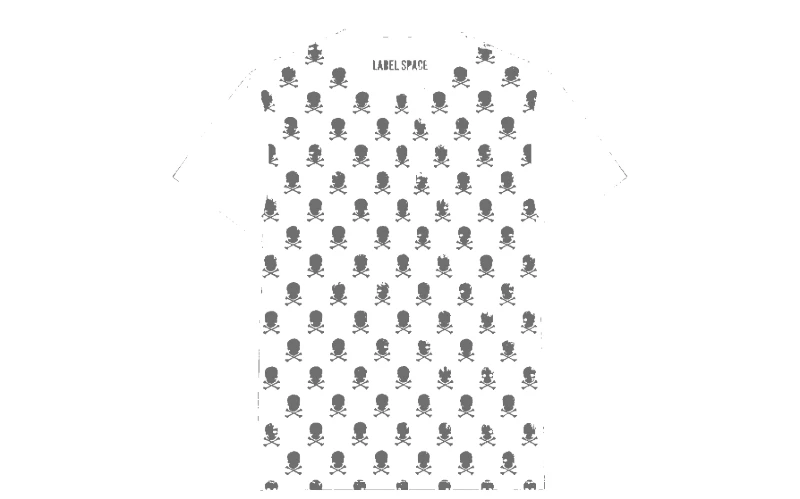
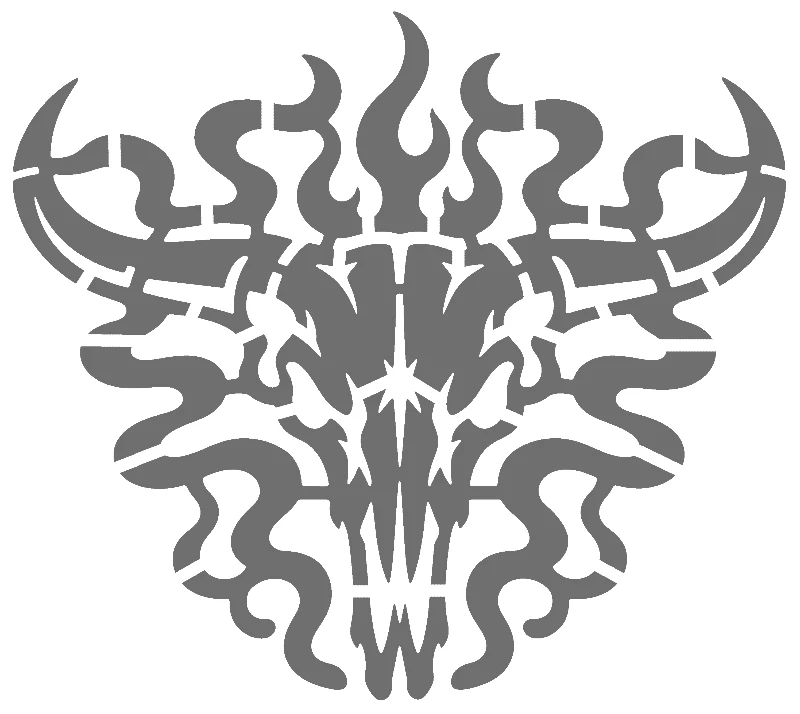
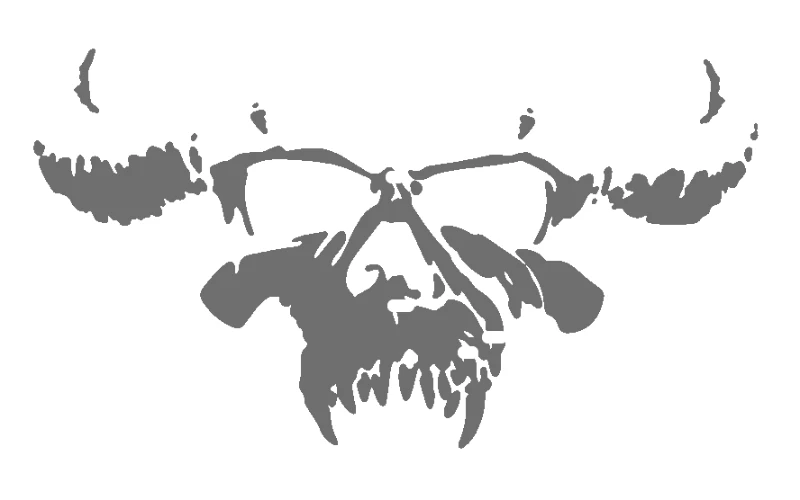
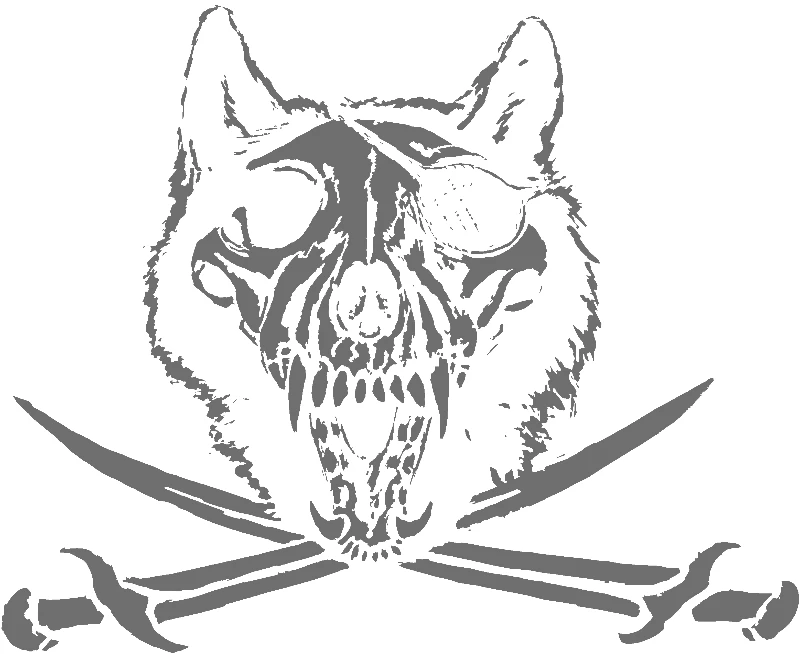
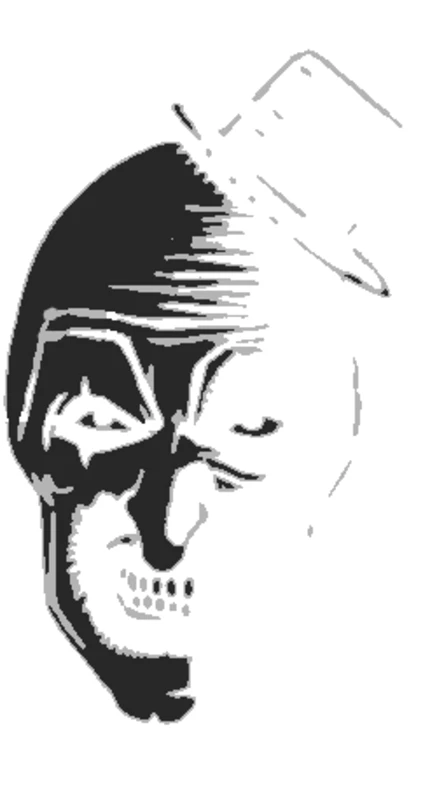
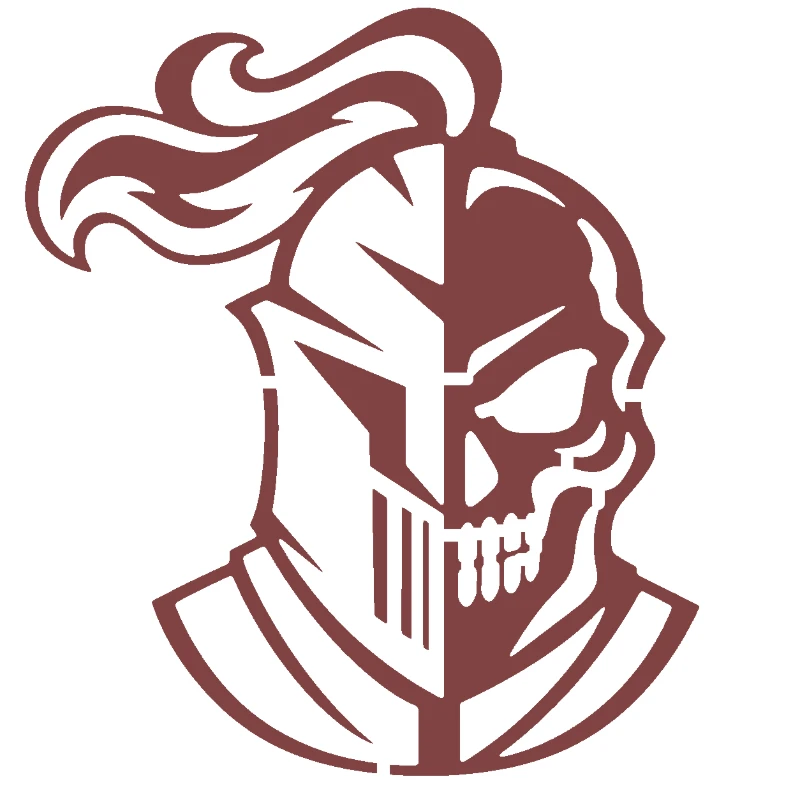
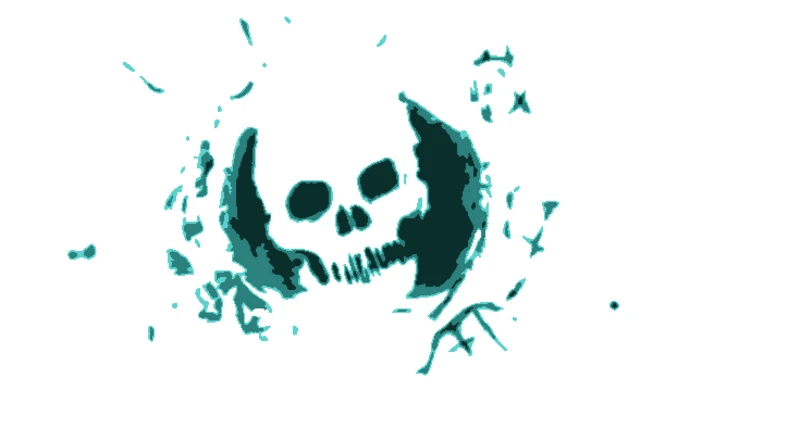
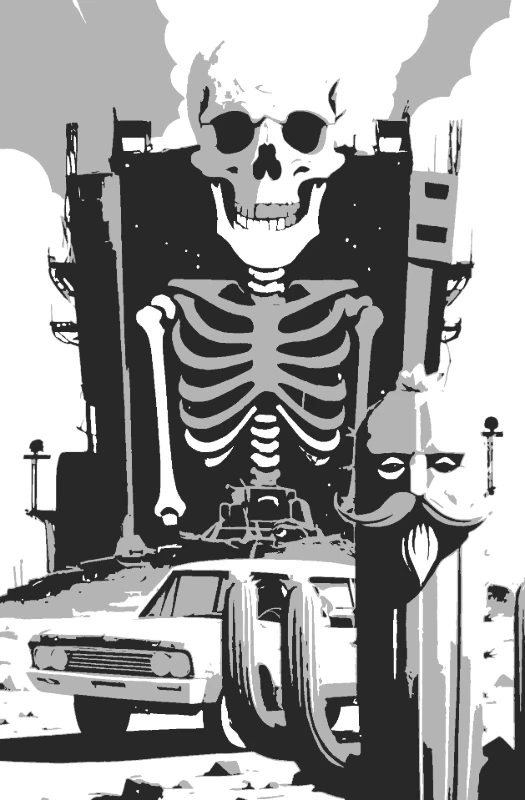
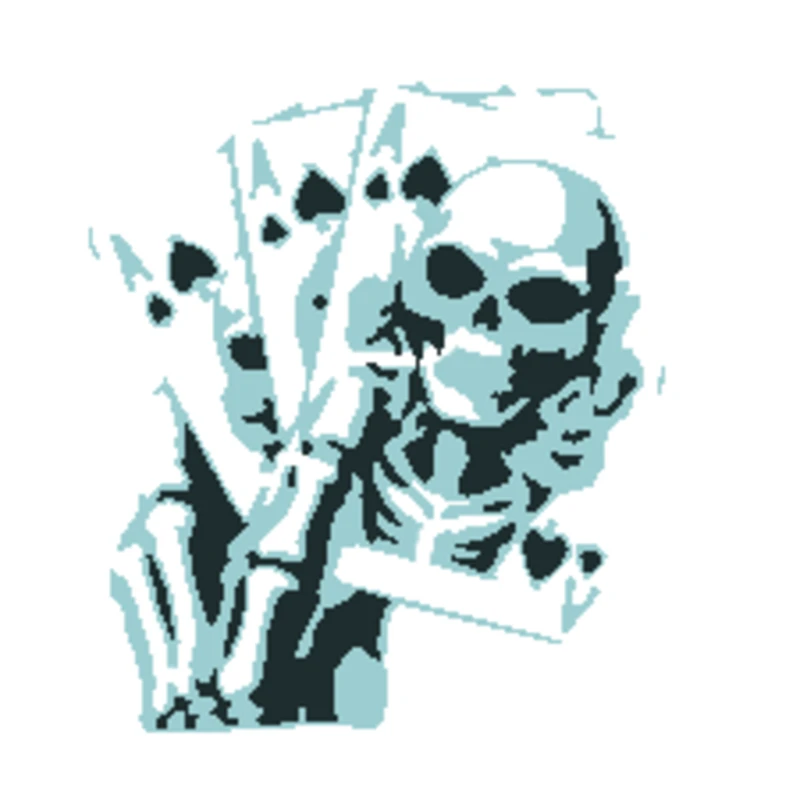
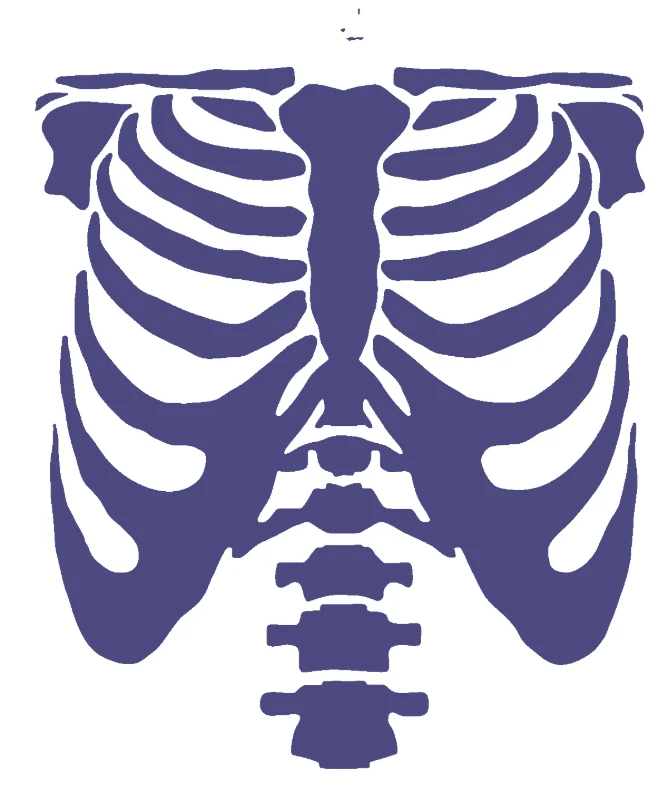
Realistic skulls, skulls with roses and snakes, crowned skulls, crossbones and skeletons, all made by real people with Free Stencil Maker. Spray them on a garage wall, print them on a tee or use them as a tattoo transfer. For your own design, make a skull stencil from any image.
Every design was made by a real person with Free Stencil Maker. PDF downloads are free with a free account. SVG and DXF for cutting machines, and wall-size tiled printing, need a project unlock or Pro.
Printable skull stencils
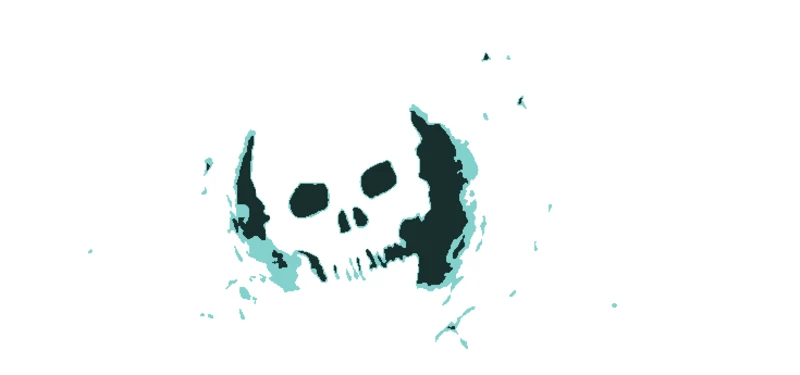
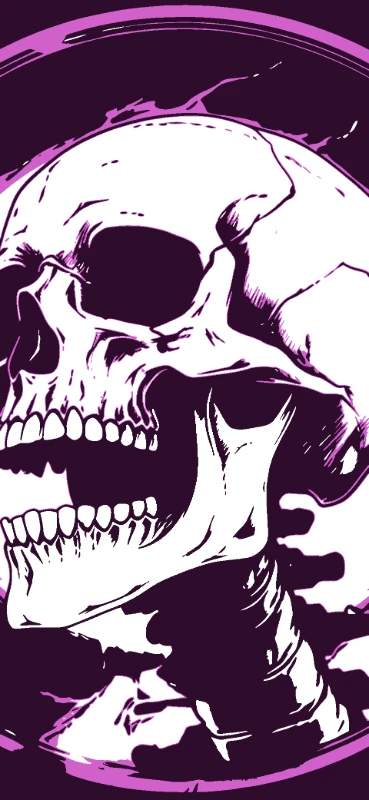
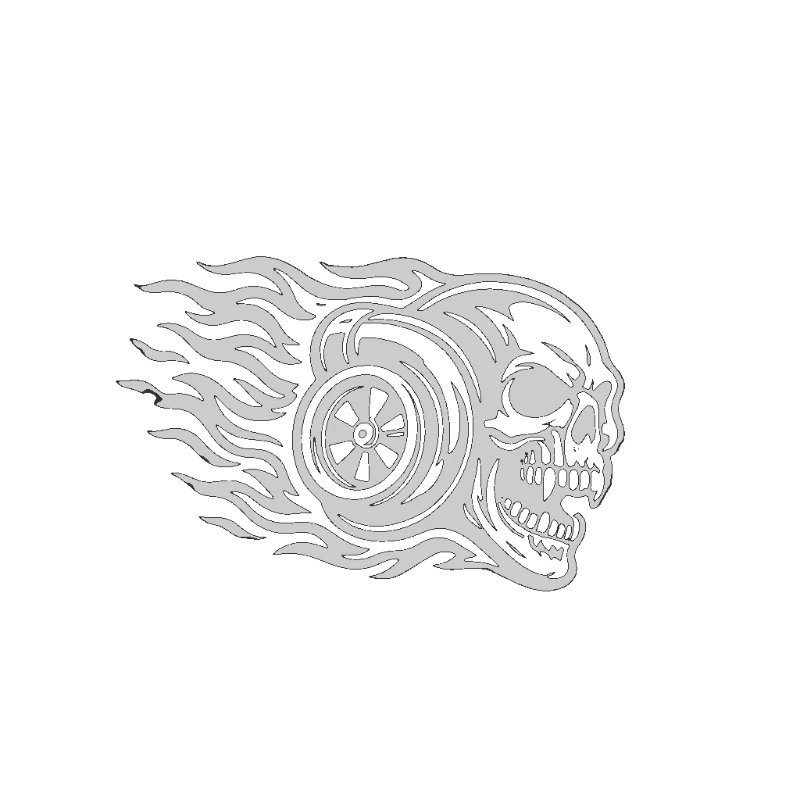
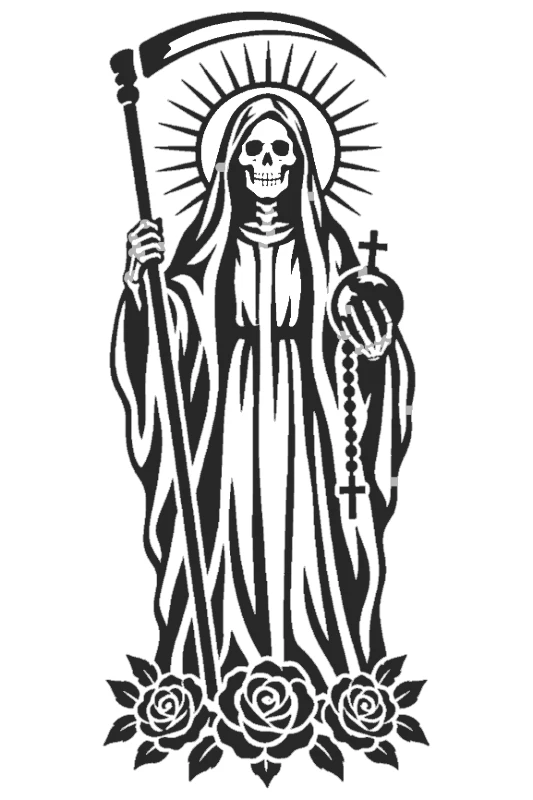
Open a design to see every layer, then download and print.




How to use a skull stencil
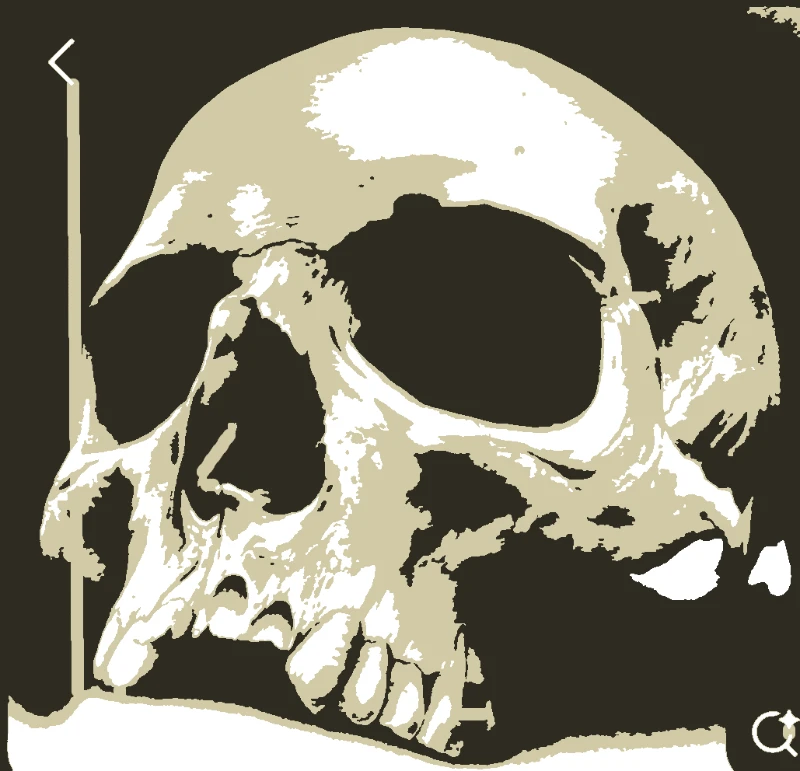
- Pick a design. Multi-layer skulls give shading; one layer is the bold, graphic look.
- Print each layer. Keep the registration marks on every sheet so the layers line up.
- Cut the black areas of each layer and number the sheets in spray order, lightest first.
- Spray in light passes from about 25cm, holding the can straight on to the surface.
- Let each layer touch-dry before lining up the next one on the registration marks.
Guides
- How to Make a Spray Paint Stencil That Doesn't Bleed
- How to Make a Multi-Layer Stencil (and Line the Layers Up)
- How to Make a Tattoo Stencil at Home
Make your own
Upload any photo or drawing. Free Stencil Maker splits it into layers, adds bridges so nothing falls out, and gives you a printable stencil in about a minute.
Make your own skull stencilQuestions
Are these skull stencils free?
Yes. Anyone can browse them, and downloading the PDF is free with a free account. SVG and DXF files for cutting machines are Pro.
Can I use these as tattoo stencils?
Yes. Print the linework onto thermal or inkjet transfer paper. For a custom piece, use the tattoo stencil maker to turn a reference into clean linework.
What paint works best with a skull stencil?
Spray paint for walls, boards and metal. Fabric paint for clothing. Acrylic with a sponge for wood and canvas.
How do I make a multi-layer skull stencil?
Upload your image to the skull stencil maker, choose 2 or 3 layers, and it separates the tones and adds registration marks for you.