Bring your image.
A portrait, a logo or a drawing. Start with a clear image and we’ll create your first three layers.
See how it works →
Upload a photo. Shape the layers. Print it, cut it and make it yours. Files for your printer, Cricut, Silhouette, laser or CNC.
JPG, PNG or WebP · Up to 10MB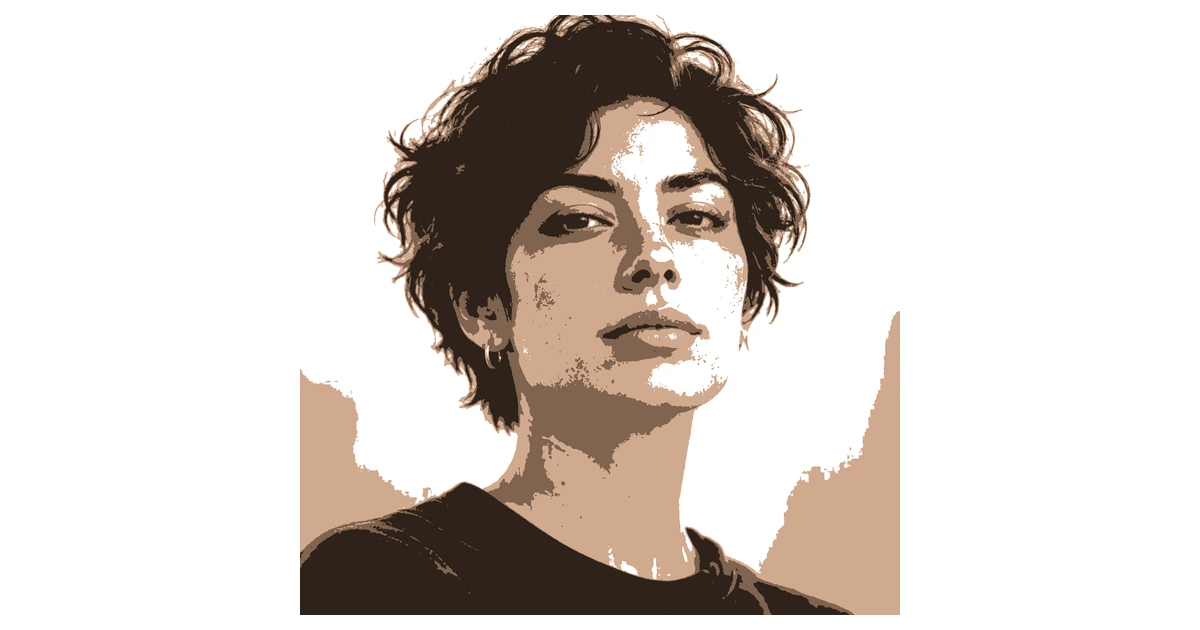

Automatic bridges
Connect loose islands to the sheet with bridges, then check each layer before cutting.
See how bridges work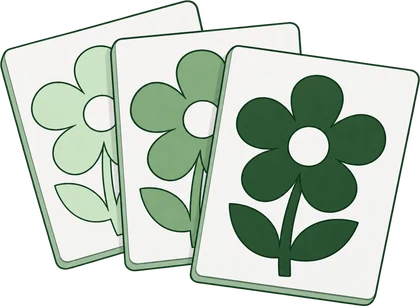
Layer previews
Preview the separate sheets and paint order so you can spot changes before using your material.
See the layer preview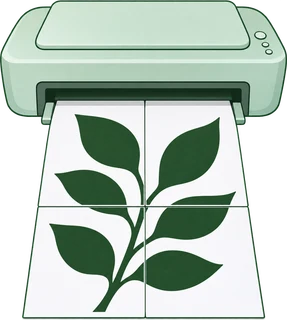
Tiled PDF printingPro
Split your design across A4 or Letter sheets and line them up into one larger stencil.
See how to print large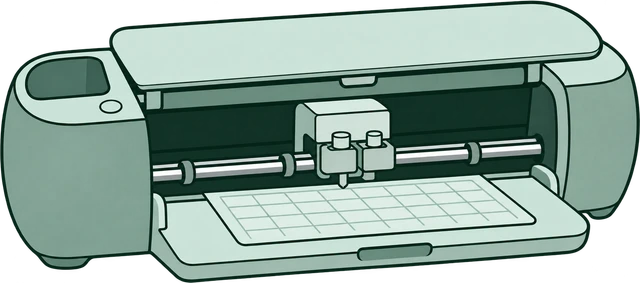
One-click Cricut exportPro
Every layer lands in Design Space pre-aligned. No tracing, no cleanup, no lining sheets up by hand.
See the cutting filesNo photo handy? Try one of these.
See what people are making.
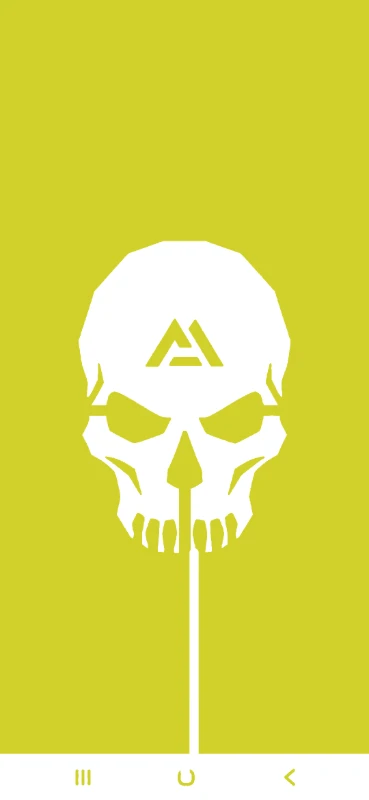
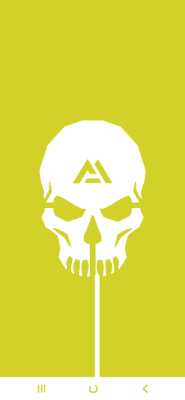


3 layers combine to create this stencil
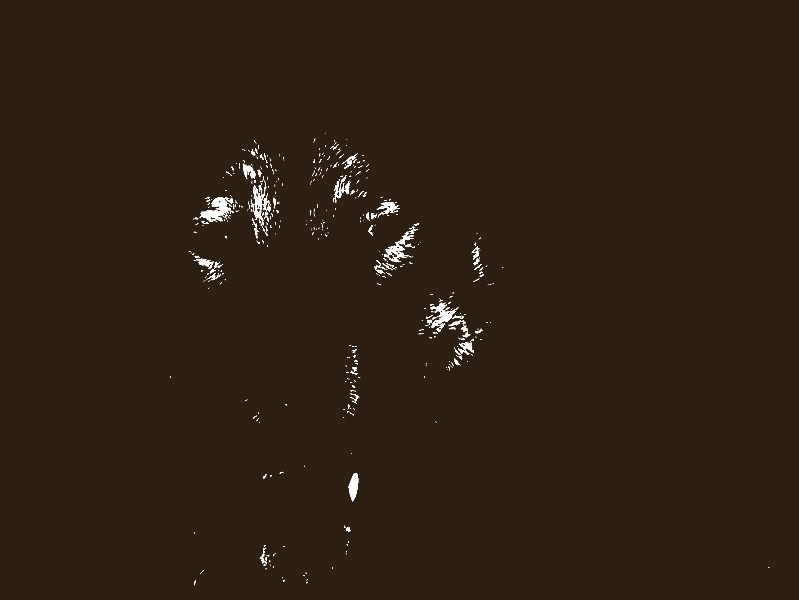
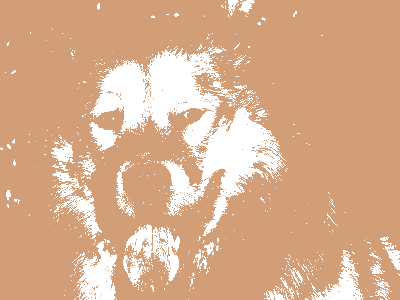
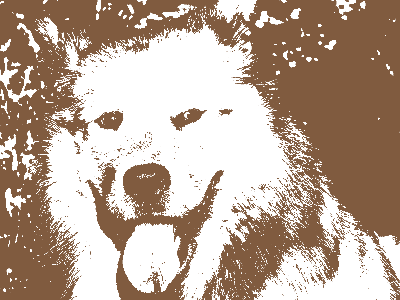
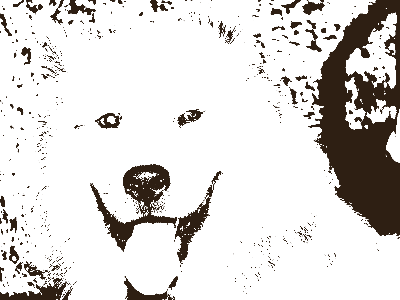
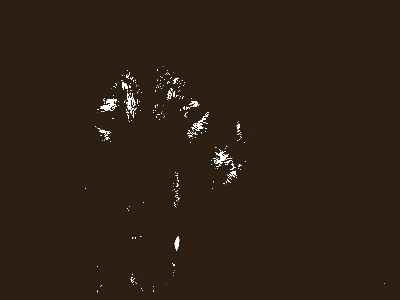
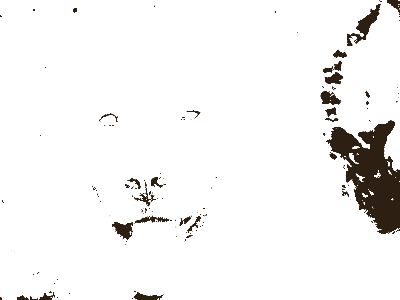
5 layers combine to create this stencil
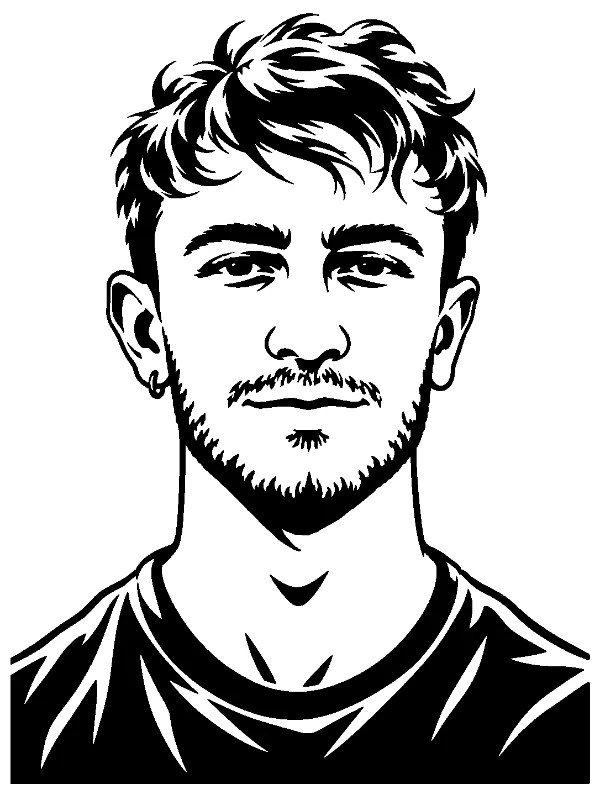
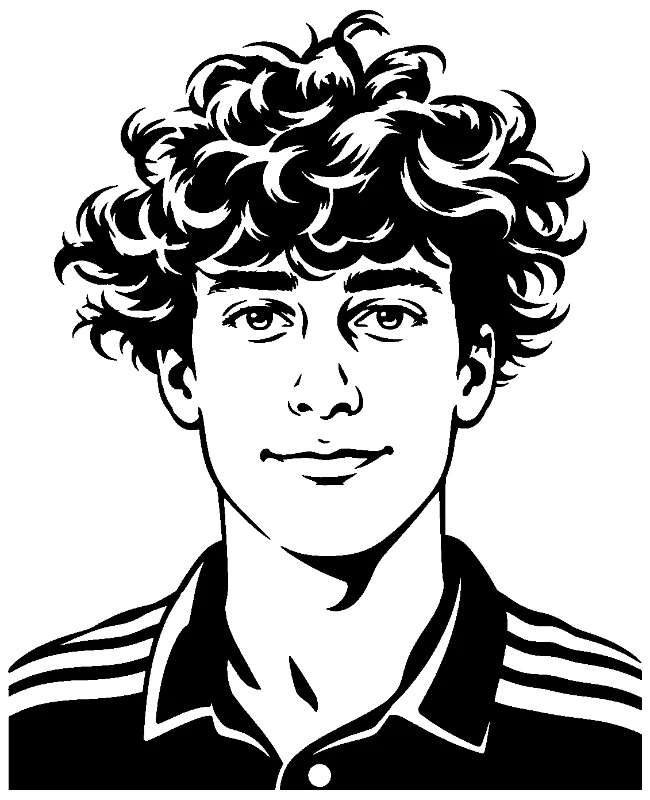
A portrait, a logo or a drawing. Start with a clear image and we’ll create your first three layers.
See how it works →Adjust each layer, change colors and check any loose pieces before you cut.
Fix loose pieces →Download your sheets to print at home. Go Pro for larger prints, more layers and cutting-machine files.
Choose a file format →Build the whole stencil for free. Go Pro when you want every layer, any size and files for your Cricut, Silhouette, laser or CNC.
$0Free
No card needed.
$99once$249
Pay once. Keep Pro forever.
7-day money back. Secure checkout by Stripe.
$10/ month
Renews monthly. Cancel anytime.
7-day money back. Secure checkout by Stripe.
A stencil is a sheet with shapes cut out of it. Hold it against a surface, spray paint over it, and you get a perfect shape. The tricky part is the "gap problem": if you cut out the letter P, the hole in the middle falls out. Stencils solve this with thin bridges that keep floating pieces connected. Upload an image, review the highlighted loose pieces, and bridge them or move them to a touch-up layer before downloading.
You can upload an image and build your whole stencil without one - no account needed to try it. Downloading the finished PDF or PNG does need a free account, which takes a few seconds and never asks for a card. Signing up also saves your projects so you can come back and edit them later.
Yes, the stencil maker works on mobile browsers. For the best experience we recommend Chrome or Firefox on any device. If you're on Safari and something looks off, try Chrome - we're actively fixing Safari-specific issues.
Creating and editing are free, including layers, island detection, bridging and touch-up layers. A free account downloads PDF and PNG with up to 3 layers at the default A4 or Letter size. Pro unlocks every layer in your download, any print size with wall-size tiling, one-click Cricut export, and SVG and DXF for Silhouette, laser and CNC. Just need one stencil? Unlock it once for $9 at download, no account needed.
Yes. We offer a 7-day money-back guarantee on all Pro plans, no questions asked. If the tool doesn't meet your expectations, email us and we'll refund you in full.
Go to Settings → Account and click "Manage Subscription." You can cancel in two clicks, effective at the end of your billing period. No hidden retention flows, no phone calls required.
All three unlock every layer in your downloads, Cricut, SVG and DXF exports, multi-page printing, an ad-free experience and unlimited private projects. Monthly is $10/month. Yearly is $90/year. Lifetime is $99 once, with no renewals. The current offer and any sale deadline are shown in the pricing section.
Free users can export PNG and printable PDF, perfect for home printing. Pro users also get one-click Cricut export (every layer pre-aligned in one SVG, drop it straight into Design Space), SVG (scalable vector for vinyl cutters), and DXF (for CNC and laser cutters). Check your preview and loose pieces before cutting.
Unlimited. Every user can add as many layers as they need for complex, photorealistic multi-colour designs, completely free.
Yes to all three. For Cricut, hit the one-click Cricut export to get all layers in a single SVG that imports pre-aligned into Design Space. For laser cutters and CNC machines, export as DXF. For screen printing transparencies, export as PDF. Review the highlighted loose pieces and bridge or fill them before cutting.
Upload any image - JPG, PNG, WebP, or even a phone photo. The tool converts whatever you give it into a stencil. Higher contrast images with clear subjects work best, but you can adjust threshold, brightness, and contrast right in the editor.
Upload your design, set it to a single layer with a higher threshold for bold lines, and export as PDF. Print it on thermal transfer paper for a professional tattoo stencil. For best results, start with a high-contrast line drawing and adjust the smoothing to get clean edges.
Right now each Pro subscription covers one account. If you need team access for a studio or business, get in touch - we're working on team plans and can set up something that works for you in the meantime.
Yes. Sign painters, tattoo artists, curb address businesses, art studios, and screen printers all use Free Stencil Maker professionally. Free accounts can download PDF and PNG with up to 3 layers. Pro adds SVG and DXF for Silhouette, laser and CNC, one-click Cricut export, every layer in your download and any print size for larger jobs.
Chrome and Firefox work best on both desktop and mobile. Edge works well too. Safari has some known issues with the canvas editor that we're actively fixing - if you hit a snag on Safari, switching to Chrome usually solves it.
This is usually a browser compatibility issue. Try refreshing the page, clearing your cache, or switching to Chrome or Firefox. If you're on Safari, that's a known issue we're working on. Still stuck? Email us at support@freestencilmaker.com and we'll help you out.
The editor interface is currently in English, but we're working on adding Spanish, French, German, and more. The tool itself works with any image regardless of language, and our landing pages are available in several languages already.