
Upload Your Image
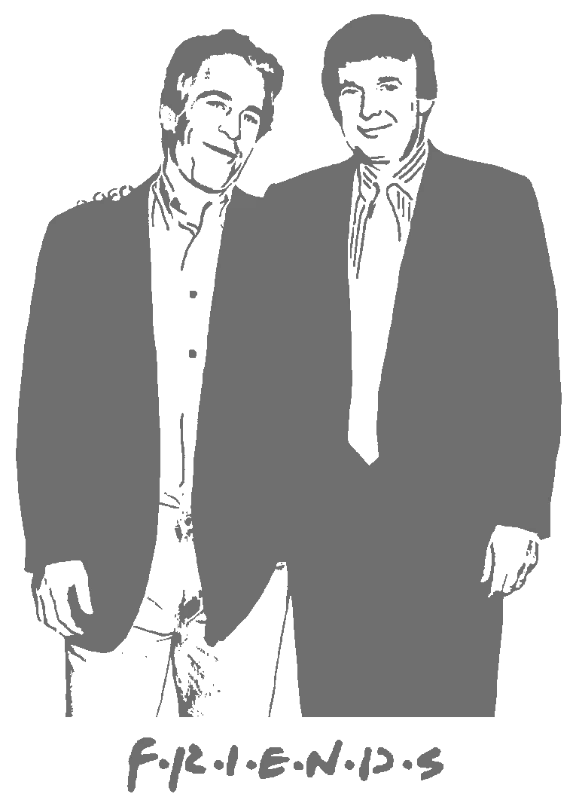
Drop in any photo and pick a style. Portraits, pets, logos, anything - the layers are cut for you in seconds.
SVG, PDF and DXF exports for makers worldwide
Convert any photo or logo into a clean SVG stencil for Cricut, Silhouette, vinyl cutters and laser software. Start free, then unlock the print-ready vector files when your stencil is ready.
No credit card required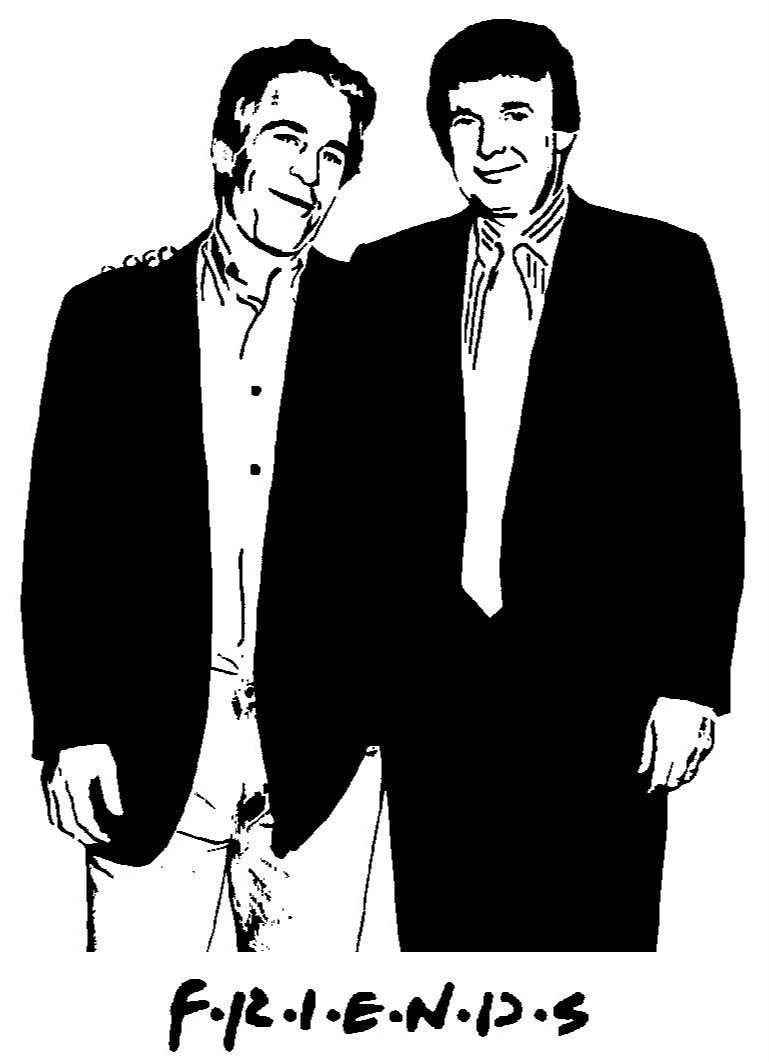
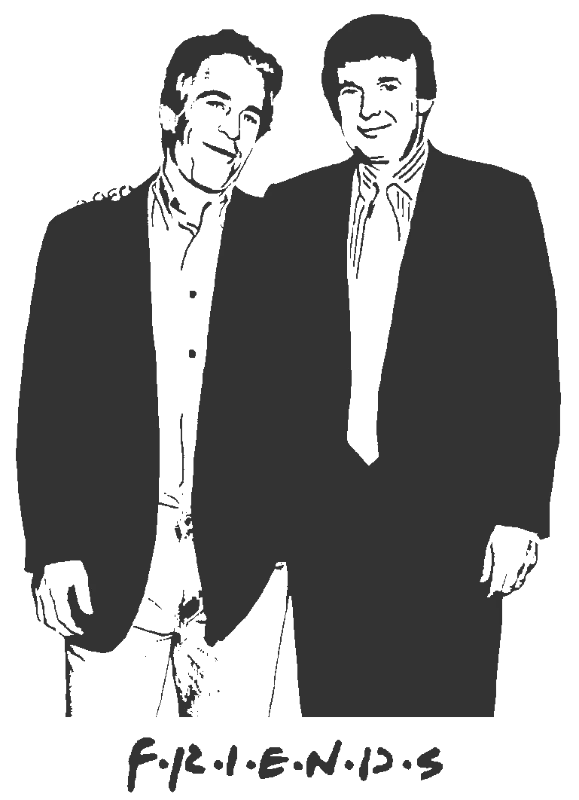
Original → StencilDrag to compare
Real Examples
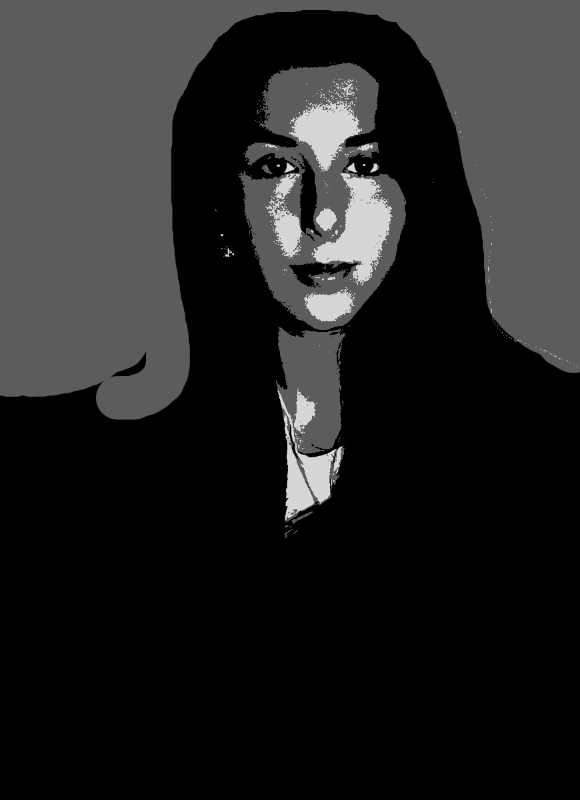
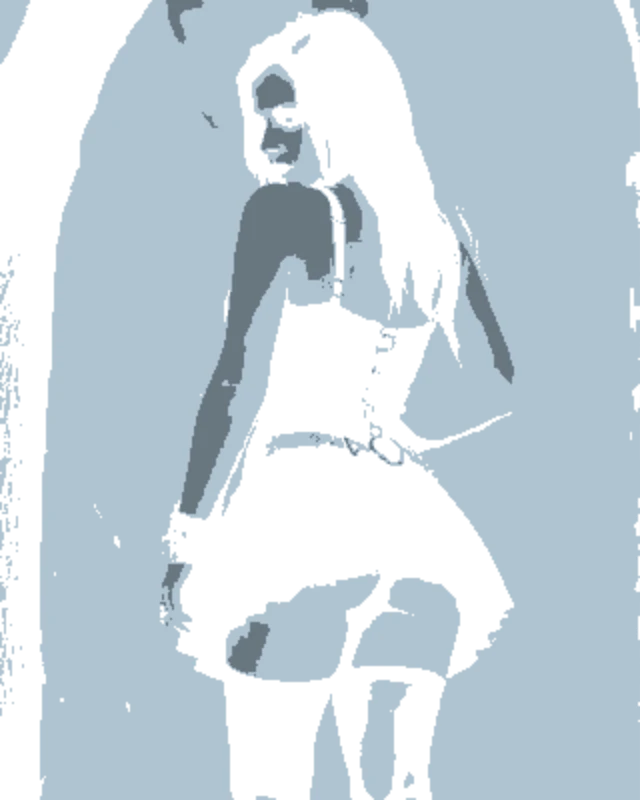
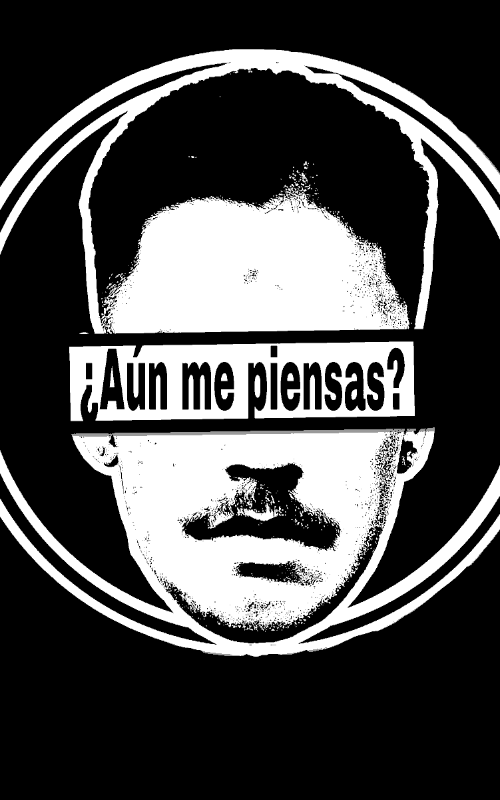
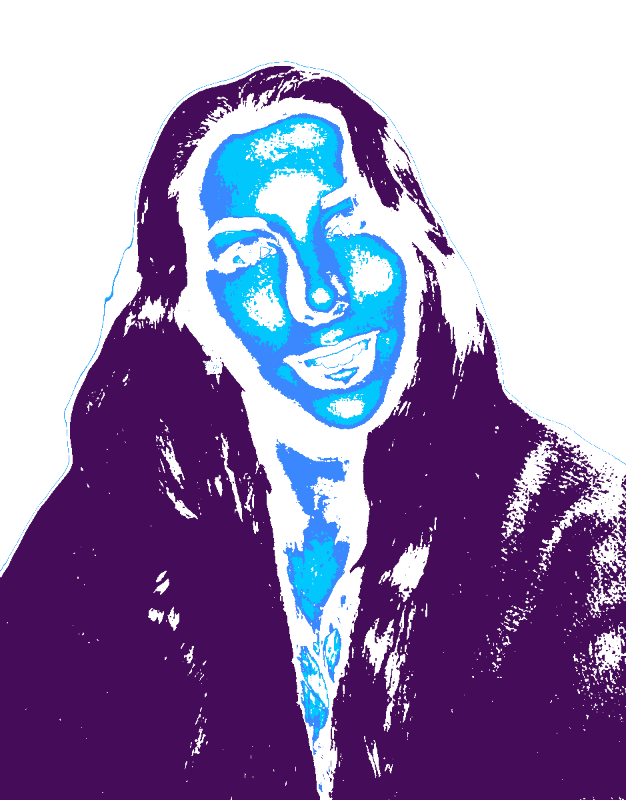
Real vector-ready stencil projects made from portraits, logos, pet photos and artwork.
How it works
Drop in any photo and pick a style. Portraits, pets, logos, anything - the layers are cut for you in seconds.
One slider per layer: more detail or a cleaner cut. Hold to compare against the original photo.
Islands that would fall out are found and highlighted. One tap fixes every layer, or draw your own bridges.
Download print-ready files with registration marks. PDF, PNG, Cricut SVG or DXF - your choice.
Features
We solved the problems that make stencil creation painful. No floating pieces, no complex layers, no learning curve.
Never worry about floating pieces again.
Handle complex designs with ease.
If you know Photoshop, you're already home.
Every format you need, ready to cut.
Pricing
Free downloads include PDF and PNG with up to 3 layers. Pro unlocks every layer, Cricut, SVG and DXF files, and multi-page printing.
$0Free
No card needed.
$99once$249
Pay once. Keep Pro forever.
One payment, non-refundable. Secure checkout by Stripe.
$10/ month
Renews monthly. Cancel anytime.
7-day money back. Secure checkout by Stripe.
FAQ
Yes. Upload a photo, tune the stencil layers, then export a clean SVG vector file that can be scaled without losing quality.
Yes. The SVG export is designed for Cricut Design Space and similar cutting software. Use the Cricut-ready unlock when you want clean vector files for cutting.
You can create and test the stencil for free. Basic PDF and PNG exports are free; SVG, DXF, Cricut export and wall-size printing are included in the one-off project unlock or Pro.
Yes. Unlocking the stencil gives you PDF, PNG, SVG and DXF so the same project can be printed, cut on vinyl, or used with laser/CNC software.
Use this SVG stencil maker to turn an image into layered, cut-ready vector files. Upload a JPG, PNG or photo, adjust the stencil layers, add bridges so islands stay connected, then export SVG for Cricut Design Space, Silhouette Studio, vinyl cutters and laser workflows. Basic PDF and PNG exports are free; unlock this stencil when you need SVG, DXF, Cricut files and wall-size printing.
Create a cut-ready SVG stencil from any image. Your first stencil is free to try.
No account needed to try