Upload Your Image
Drop in any photo and pick a style. Portraits, pets, logos, anything - the layers are cut for you in seconds.
Used by screen printers and print shops worldwide
Convert any photo into screen-ready stencil layers with clean colour separation. Upload an image and get high-contrast, print-ready files in seconds.
No credit card required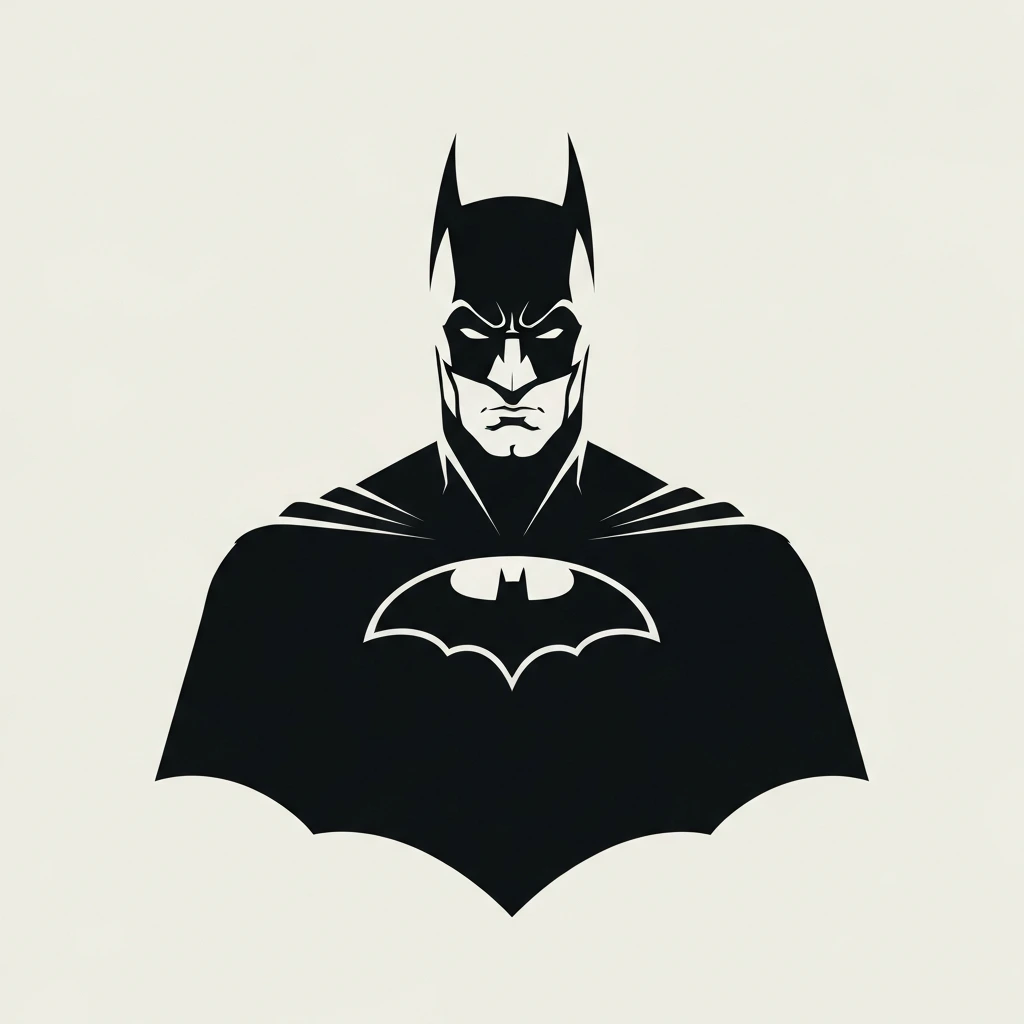
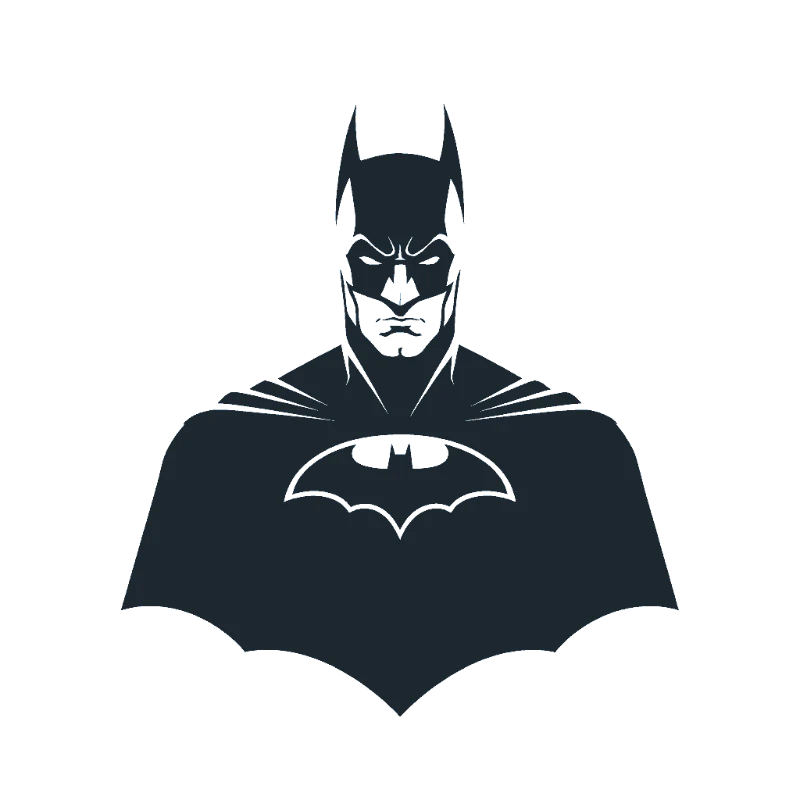
Original → StencilDrag to compare
Screen Print Stencils
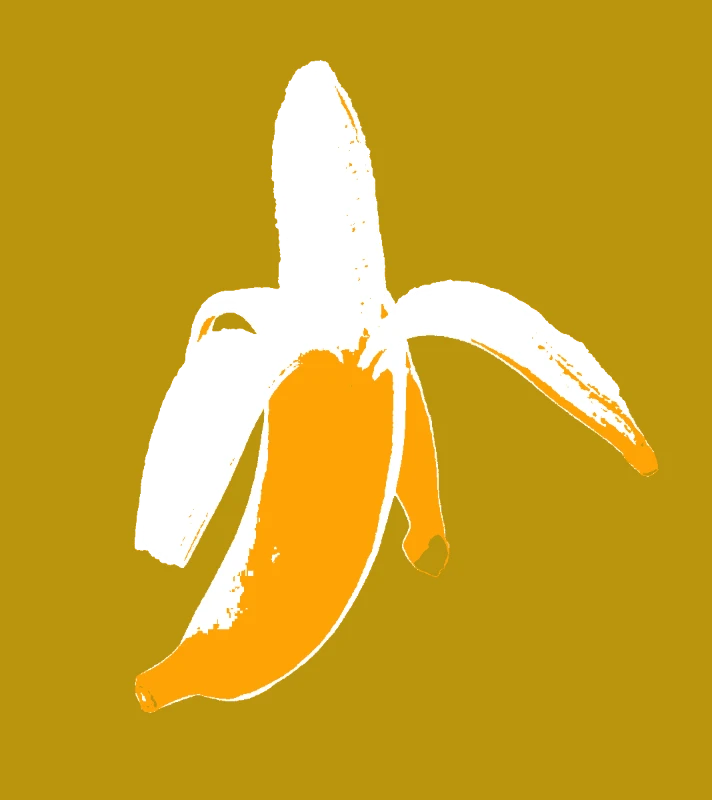
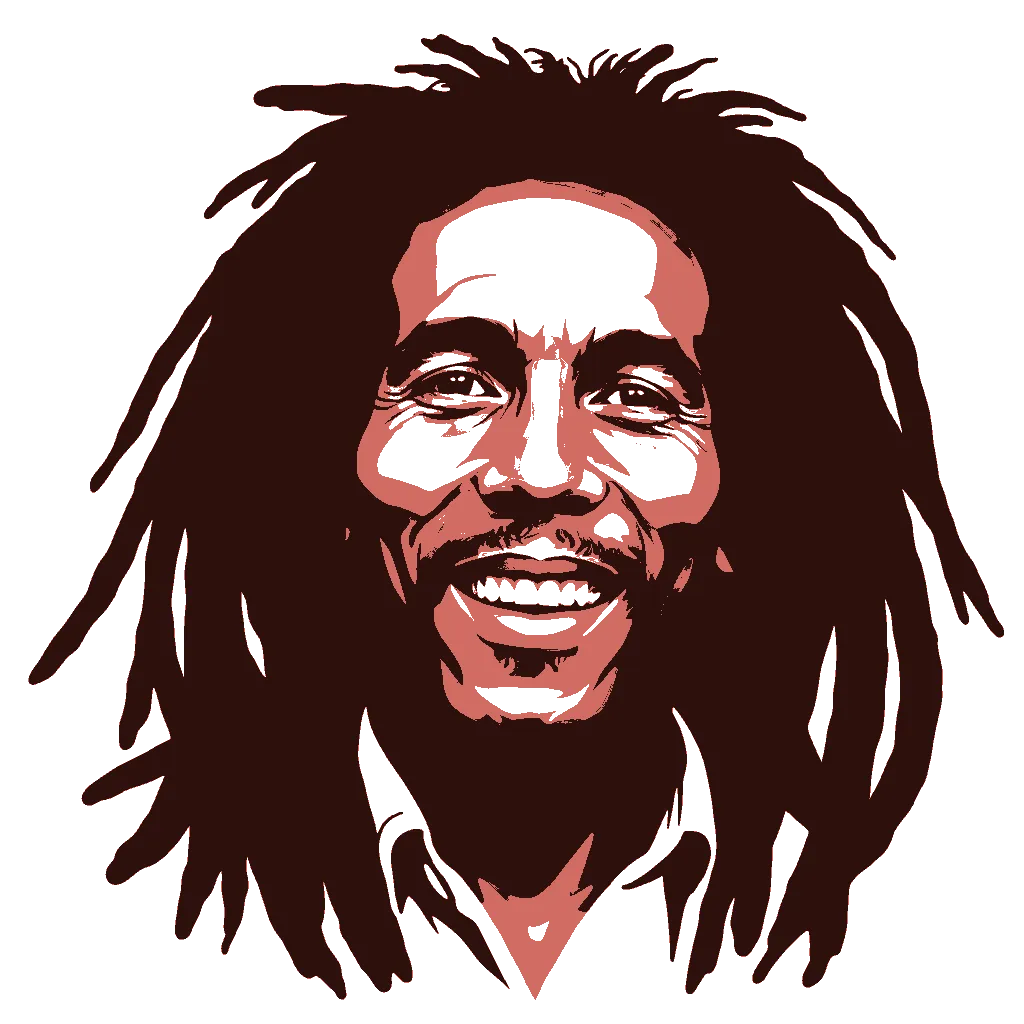
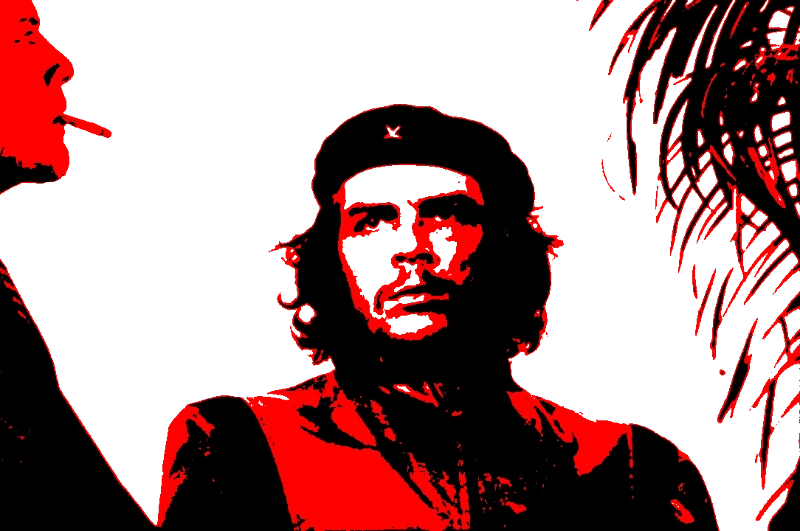
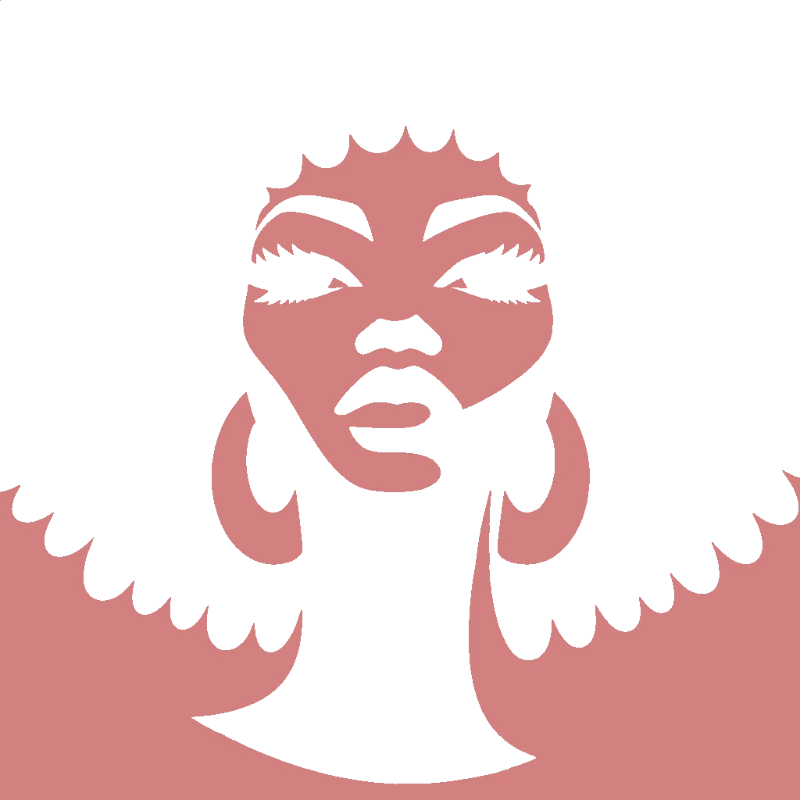
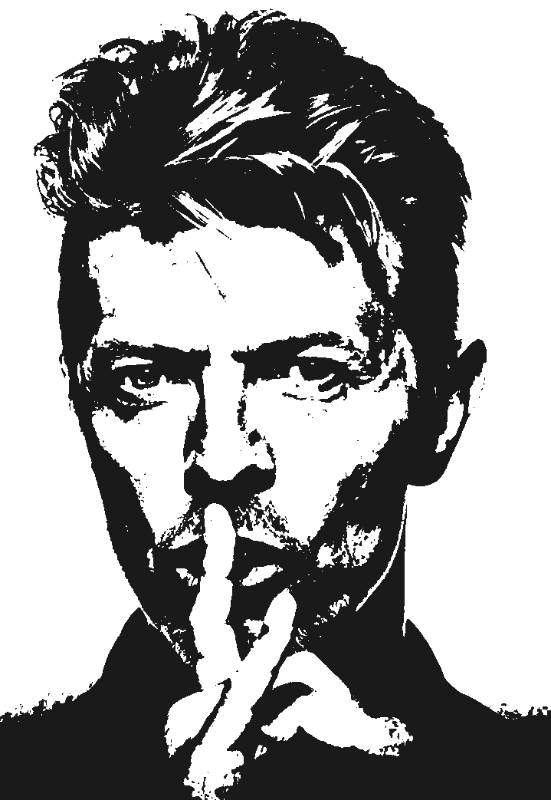
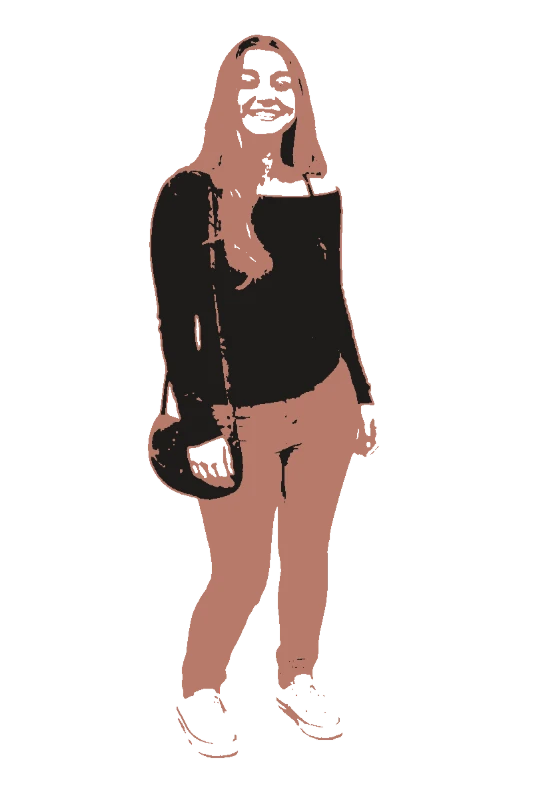
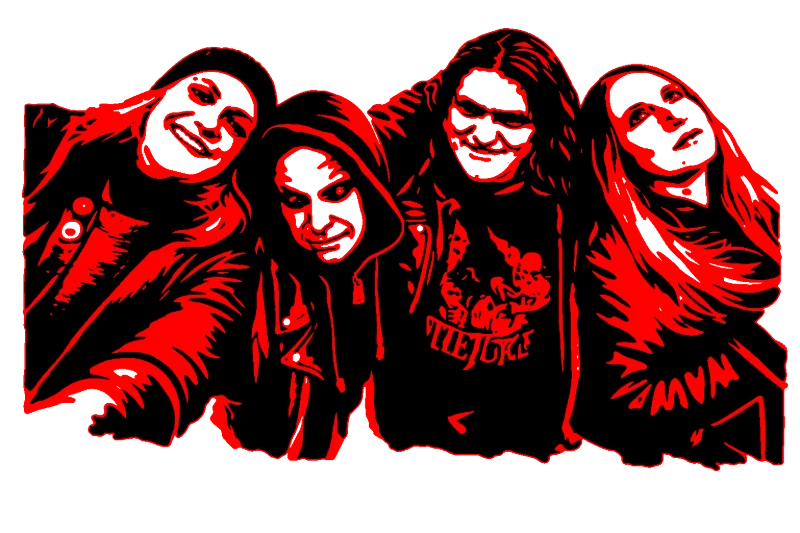
Real screen print designs created with the tool - from bold pop art to clean logo separations.
How it works
Drop in any photo and pick a style. Portraits, pets, logos, anything - the layers are cut for you in seconds.
One slider per layer: more detail or a cleaner cut. Hold to compare against the original photo.
Islands that would fall out are found and highlighted. One tap fixes every layer, or draw your own bridges.
Download print-ready files with registration marks. PDF, PNG, Cricut SVG or DXF - your choice.
Features
Clean layer separation for colour screens, high-contrast output, and print-ready files you can use to create film positives straight away.
Never worry about floating pieces again.
Handle complex designs with ease.
If you know Photoshop, you're already home.
Every format you need, ready to cut.
Pricing
Free downloads include PDF and PNG with up to 3 layers. Pro unlocks every layer, Cricut, SVG and DXF files, and multi-page printing.
$0Free
No card needed.
$99once$249
Pay once. Keep Pro forever.
One payment, non-refundable. Secure checkout by Stripe.
$10/ month
Renews monthly. Cancel anytime.
7-day money back. Secure checkout by Stripe.
FAQ
Each stencil layer represents a separate colour. The tool automatically separates your image into distinct layers based on tonal values - light, mid, and dark tones each become their own screen. You can adjust thresholds to fine-tune the separation.
For stencil-style screen prints, a 110-160 mesh works well. Lower mesh counts (110) lay down more ink for bold coverage, while higher counts (160) give finer detail. The clean high-contrast output from this tool works great with standard mesh counts.
The tool produces solid black-and-white layers rather than halftones. This gives you clean, bold separations that are easier to expose and print - especially for beginners. Each layer prints as a solid colour with no dot gain issues.
Export your stencil layers as SVG or PDF, then print each layer onto transparency film using an inkjet printer with black ink. Each layer becomes one film positive for exposing one screen. Alignment marks are included to help you register screens.
You can create stencils with up to 4 layers, meaning up to 4 colour screens. For most screen print designs, 2-3 layers give the best results - enough detail to capture the image without overcomplicating the print process.
Convert any photo into screen print stencils with automatic colour separation. Each layer becomes a separate screen - clean, high-contrast, and ready to print onto transparency film. Export as SVG or PDF to create film positives for your screen exposure unit. Whether you are printing t-shirts, posters, or tote bags, upload an image and get your separated layers in seconds.
Get screen-ready stencil files with clean colour separation. Your first stencil is free.
No account needed to try