Free
$0
For trying the tool and printing simple stencils.
- Basic PDF + PNG downloads
- Unlimited layers
- Home-printer friendly
Turn any photo into airbrush-ready multi-layer stencils with clean shadow separation. Upload an image and get freehand or frisket layers ready to cut in seconds.
No credit card required
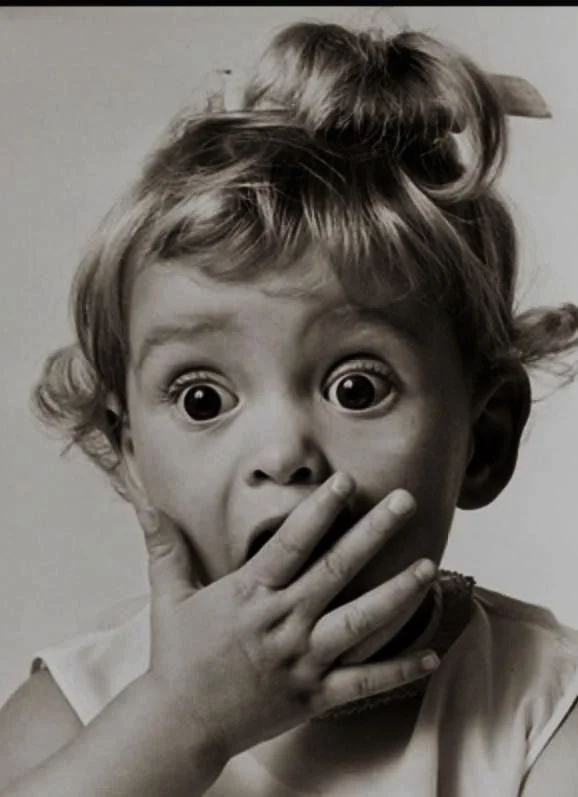
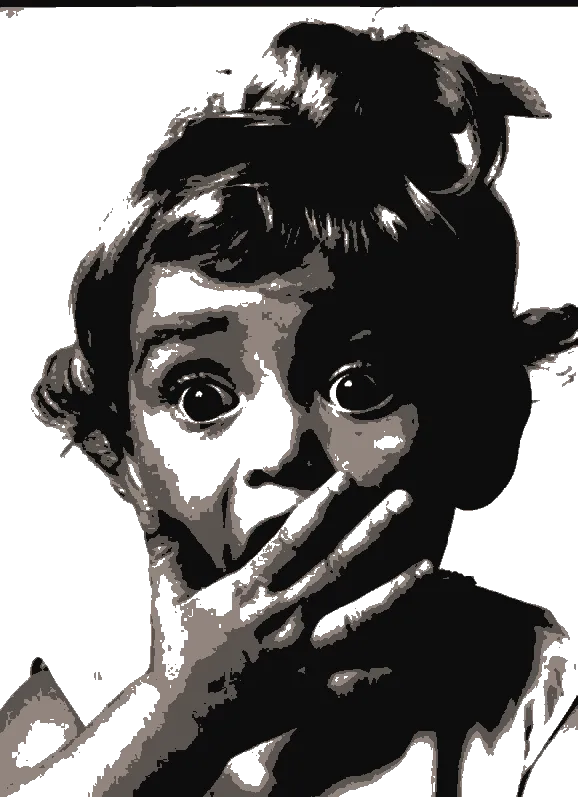
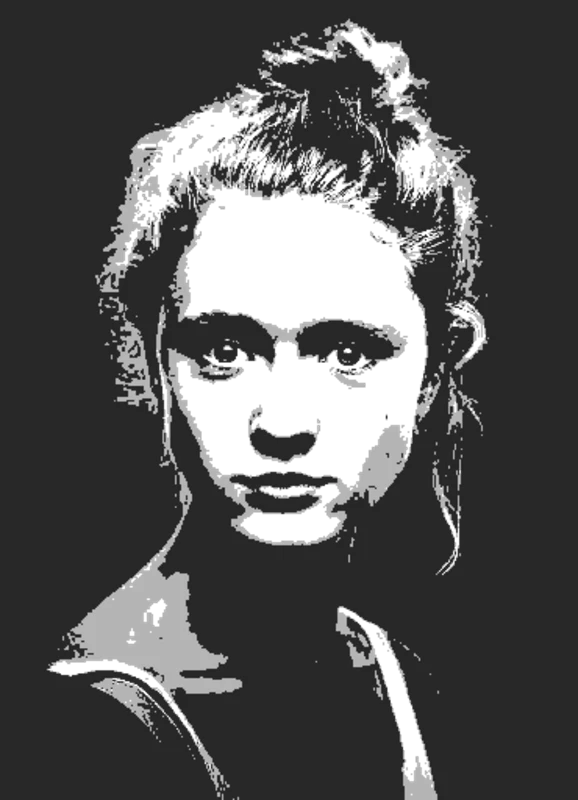
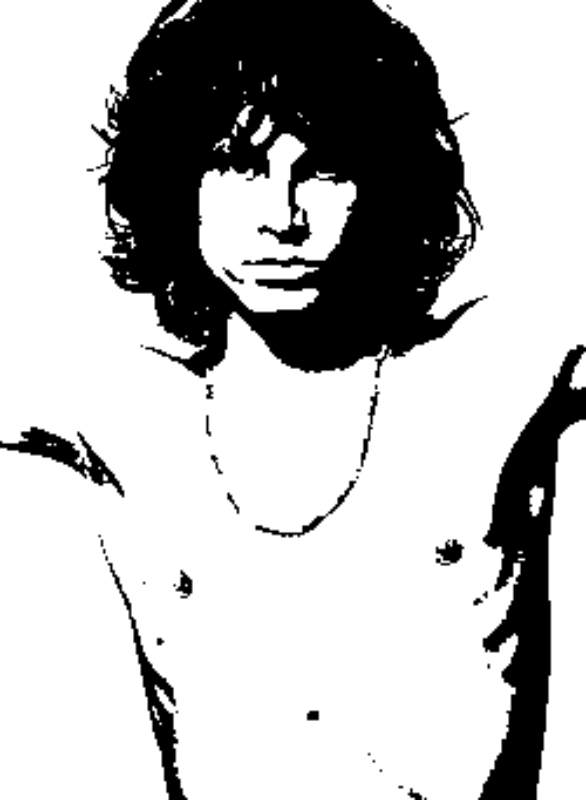
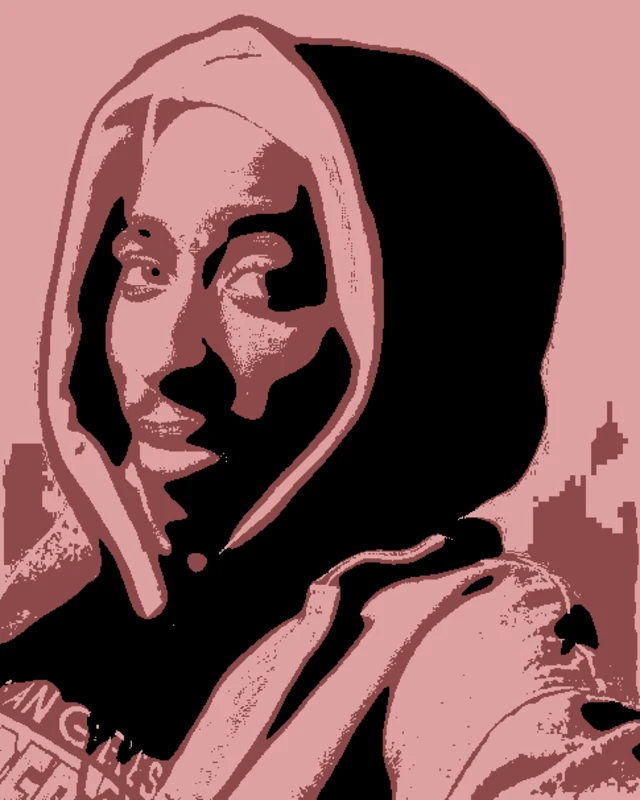
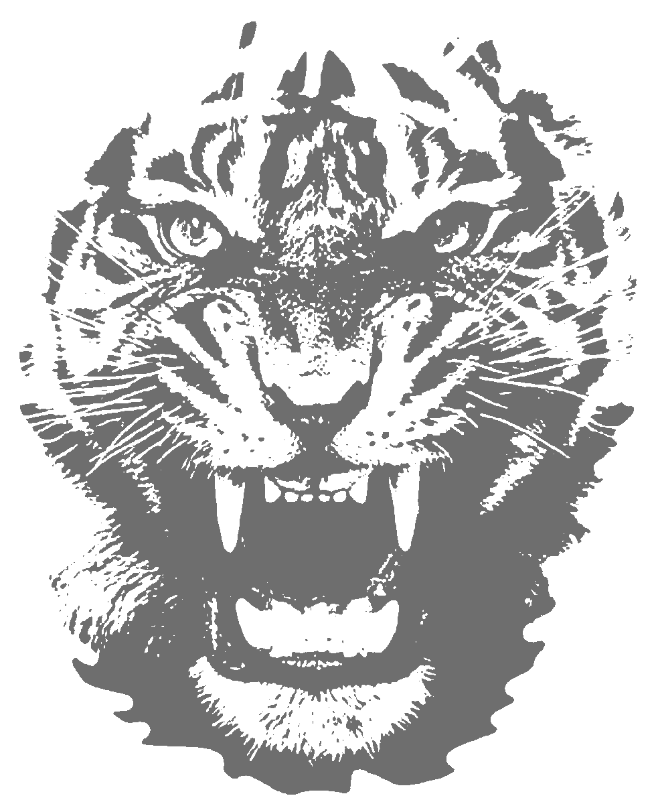
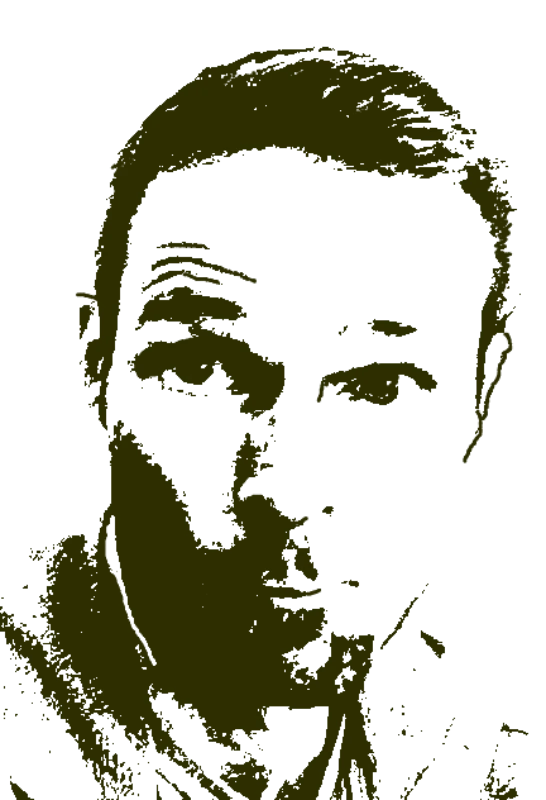
Real airbrush stencil designs created with the tool - from portrait shadow layers to custom automotive artwork.
Drop in any photo and pick a style. Portraits, pets, logos, anything - the layers are cut for you in seconds.
One slider per layer: more detail or a cleaner cut. Hold to compare against the original photo.
Islands that would fall out are found and highlighted. One tap fixes every layer, or draw your own bridges.
Download print-ready files with registration marks. PDF, PNG, Cricut SVG or DXF - your choice.
Clean shadow separation, bridgeable islands, and frisket-ready vector exports that hold up under repeated mist coats.
Never worry about floating pieces again.
Handle complex designs with ease.
If you know Photoshop, you're already home.
Every format you need, ready to cut.
Free covers PDF/PNG. Pro unlocks SVG, DXF, Cricut and wall-size printing on every stencil — from $10/mo.
$0
For trying the tool and printing simple stencils.
$10/mo
For makers who want every format on every stencil.
$99
Pay once. Keep Pro forever.
Convert any photograph or reference image into airbrush-ready stencil layers. The tool separates tonal regions into clean layers so you can build up depth the way pro airbrush artists do - base shadow, midtone, highlight. Export as SVG, PDF, or DXF to cut from frisket film, mylar, or acetate on a Cricut, Silhouette, or plotter. Whether you are spraying portraits, T-shirts, custom helmets, lowriders, or wall murals, upload an image and get your layered airbrush stencil in seconds.
Get airbrush-ready frisket and mylar stencils in seconds. Your first stencil is free.
No account needed to try
Browse all stencil templates