


Upload Your Image
Drop in any photo and pick a style. Portraits, pets, logos, anything - the layers are cut for you in seconds.
Used by muralists, decorators, and DIY home artists worldwide
Turn any image into oversized wall art stencils. Upload a photo or design and get clean multi-layer stencils sized for feature walls, murals, and gallery pieces.
No credit card required
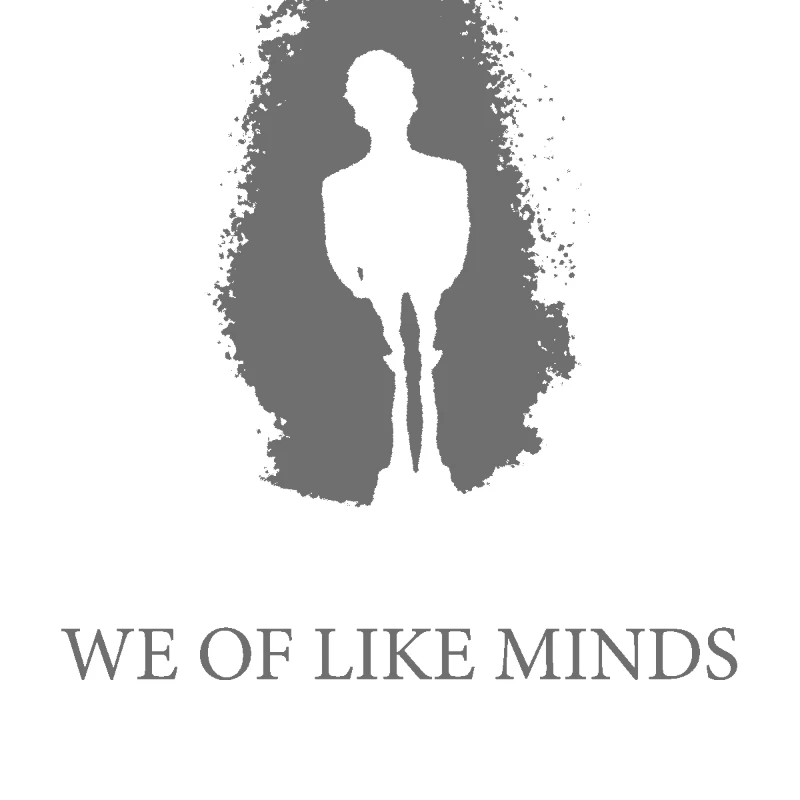
Original → StencilDrag to compare
Wall Art Stencils
Real wall art stencil designs created with the tool - from minimal botanicals to oversized statement murals.
How it works
Drop in any photo and pick a style. Portraits, pets, logos, anything - the layers are cut for you in seconds.
One slider per layer: more detail or a cleaner cut. Hold to compare against the original photo.
Islands that would fall out are found and highlighted. One tap fixes every layer, or draw your own bridges.
Download print-ready files with registration marks. PDF, PNG, Cricut SVG or DXF - your choice.
Features
Print-tile exports for large-format stencils, clean vector output for any wall size, and registration marks that keep layers perfectly aligned.
Never worry about floating pieces again.
Handle complex designs with ease.
If you know Photoshop, you're already home.
Every format you need, ready to cut.
Pricing
Free downloads include PDF and PNG with up to 3 layers. Pro unlocks every layer, Cricut, SVG and DXF files, and multi-page printing.
$0Free
No card needed.
$99once$249
Pay once. Keep Pro forever.
7-day money back. Secure checkout by Stripe.
$10/ month
Renews monthly. Cancel anytime.
7-day money back. Secure checkout by Stripe.
FAQ
As big as the wall. Export as PDF and the tool tiles the design across multiple pages so you can print on standard A4 or US Letter sheets and tape them together. For vinyl, import the SVG into Cricut Design Space or Silhouette Studio and scale to your target size.
4-7 mil mylar is the go-to for reusable large stencils - stiff enough to hold shape, thin enough to cut cleanly on a Cricut or laser. For single-use murals, tiled paper taped to the wall works fine. Oil boards are also popular for hand cutting.
Yes - use 2-4 layers for clean colour separation. Each layer becomes its own stencil with built-in alignment marks, so you can paint colour 1, let it dry, switch to layer 2, and keep perfect registration.
None - the stencil is generated in your browser. To cut vinyl or mylar, use Cricut Design Space, Silhouette Studio, LightBurn, or any software that reads SVG or DXF. To paint directly, just tile-print the PDF and go.
Yes - the vector output scales to any size without losing sharpness. Islands are auto-bridged so the stencil holds together even when it is metres wide. You can also simplify detail with the threshold slider for a bolder large-scale look.
Absolutely - nursery animals, nature scenes, and typographic quotes are some of the most popular uses. Use a low-VOC paint, tape the stencil to the wall, and dab (do not roll) to avoid bleed under the edges.
Convert any image into wall-size stencil art for feature walls, nurseries, murals, and home gallery pieces. Our wall art stencil maker auto-bridges islands, separates tones into clean layers, and tiles the output so you can print or cut stencils at any size. Export as SVG, PDF, or DXF - load the SVG into Cricut Design Space or Silhouette Studio for vinyl decals, import the PDF to tile across multiple A4 or US Letter sheets, or send the DXF to a laser cutter for reusable mylar stencils. Whether you are painting a nursery mural, a geometric accent wall, a coffee shop feature, or an apartment gallery piece, upload an image and get your wall art stencil in seconds.
Get wall-ready multi-layer stencils in seconds. Your first stencil is free.
No account needed to try