


Upload Your Image
Drop in any photo and pick a style. Portraits, pets, logos, anything - the layers are cut for you in seconds.
Used by tattoo artists, bikers, metalheads, and Día de los Muertos crafters
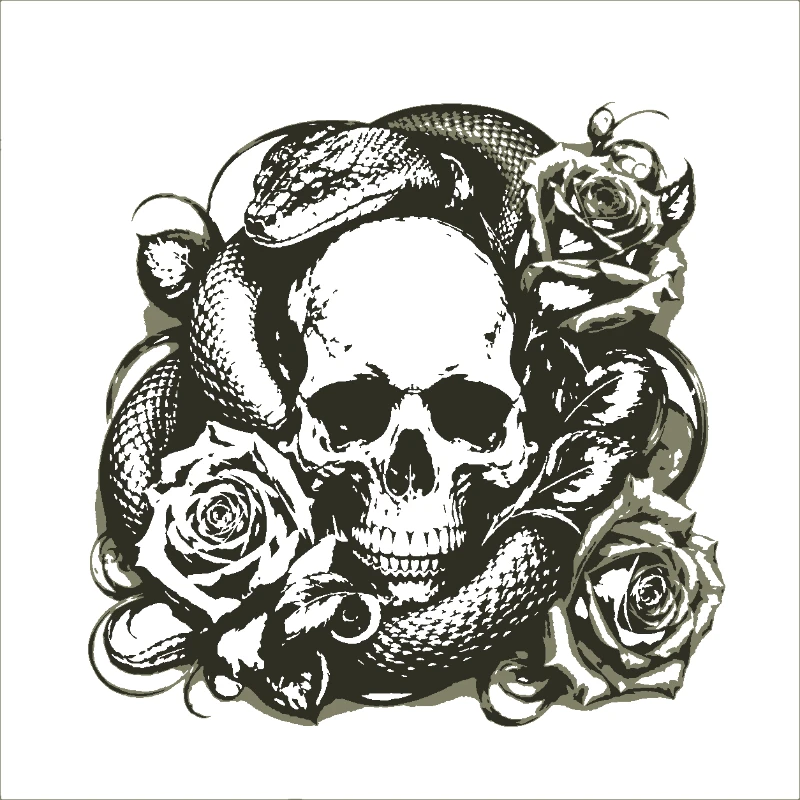
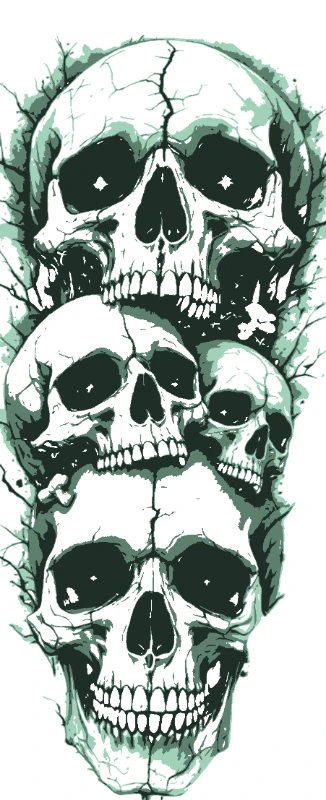
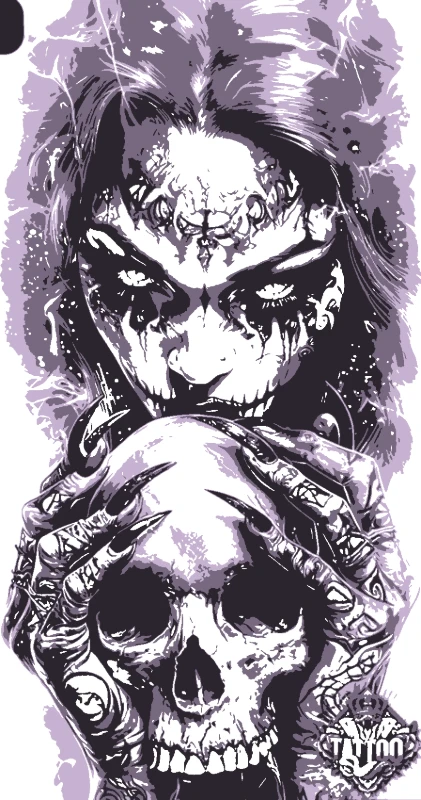
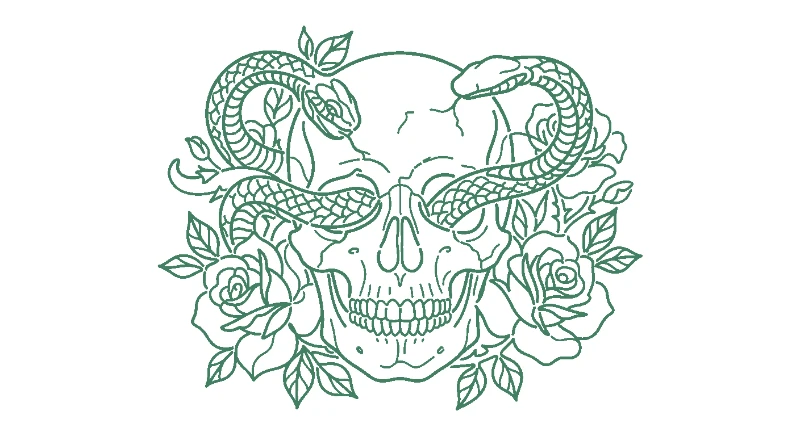
Sugar skulls, biker skulls, anatomical, demonic, sweary - turn any skull image into a multi-layer stencil ready to spray, ink, or cut.
No credit card required

Original → StencilDrag to compare
Skull Stencils
Sugar skulls, anatomical skulls, biker flame skulls, demon skulls - real designs cut, inked, and sprayed by the people who made them.
How it works
Drop in any photo and pick a style. Portraits, pets, logos, anything - the layers are cut for you in seconds.
One slider per layer: more detail or a cleaner cut. Hold to compare against the original photo.
Islands that would fall out are found and highlighted. One tap fixes every layer, or draw your own bridges.
Download print-ready files with registration marks. PDF, PNG, Cricut SVG or DXF - your choice.
Features
Hard contrast for tattoo flash, multi-layer for sugar skulls, fine bridging for the eye sockets and teeth - whatever your skull style needs.
Never worry about floating pieces again.
Handle complex designs with ease.
If you know Photoshop, you're already home.
Every format you need, ready to cut.
Pricing
Free downloads include PDF and PNG with up to 3 layers. Pro unlocks every layer, Cricut, SVG and DXF files, and multi-page printing.
$0Free
No card needed.
$99once$249
Pay once. Keep Pro forever.
7-day money back. Secure checkout by Stripe.
$10/ month
Renews monthly. Cancel anytime.
7-day money back. Secure checkout by Stripe.
FAQ
All of them. Sugar skulls and Día de los Muertos calaveras come out best in 3-4 layers to keep the floral detail. Biker and metal skulls work well in 2 layers for that bold flame-and-shadow look. Anatomical skulls and tattoo flash usually want a single high-contrast black layer.
Yes - that's one of the most common uses. Drop layers to one, push the threshold for clean linework, and export as PNG or SVG. Print it onto thermal paper for a stencil transfer or use the SVG directly in your tattoo design software.
Yes. The bridging tool automatically connects floating islands - eye sockets, nose holes, gaps between teeth - so the physical stencil stays intact when you cut or spray. You can also bridge manually if you want full control.
Absolutely. Use 3-4 layers to keep the rose, marigold, and decorative patterns separated by colour. Each layer cuts cleanly on a Cricut for vinyl decoration, paper papel picado, or as separate spray layers on a mask or wall.
Yes. Export as DXF and load it straight into LightBurn, LaserGRBL, or RDWorks. Skull designs cut beautifully on plywood for signs, acrylic for keychains and earrings, and metal sheet for biker plaques.
The wall-size tiling feature splits any skull design across multiple printer pages, so you can spray a five-foot skull on a Halloween garage door or basement wall using just a regular A4 home printer.
Convert any skull image, drawing, or photo reference into a stencil ready for tattoo, spray, vinyl, or laser. Our skull stencil maker handles every popular skull style: anatomical skulls for biology and tattoo flash, sugar skulls and Día de los Muertos calaveras with floral patterns, biker skulls with flames and crossbones, demon skulls with horns for metal album art, pirate skulls with crossed bones and bandanas, and stylised cartoon skulls. Multi-layer mode preserves decorative detail like rose patterns, floral inlays, and shading; single-layer mode gives you clean tattoo-flash linework. Export as PNG for printable references, SVG for Cricut vinyl on Halloween costumes and laptops, PDF for wall-size sprays, and DXF for laser-cut wood signs and acrylic earrings.
Make a custom skull stencil in seconds. Your first stencil is free.
No account needed to try