

Upload Your Image
Drop in any photo and pick a style. Portraits, pets, logos, anything - the layers are cut for you in seconds.
Inspired by street artists worldwide
Create bold, high-contrast street art stencils in the Banksy tradition. Upload any image and get spray-ready multi-layer files with dramatic shadow separation - perfect for walls, canvas, and beyond.
No credit card required

Original → StencilDrag to compare
Street Art Stencils
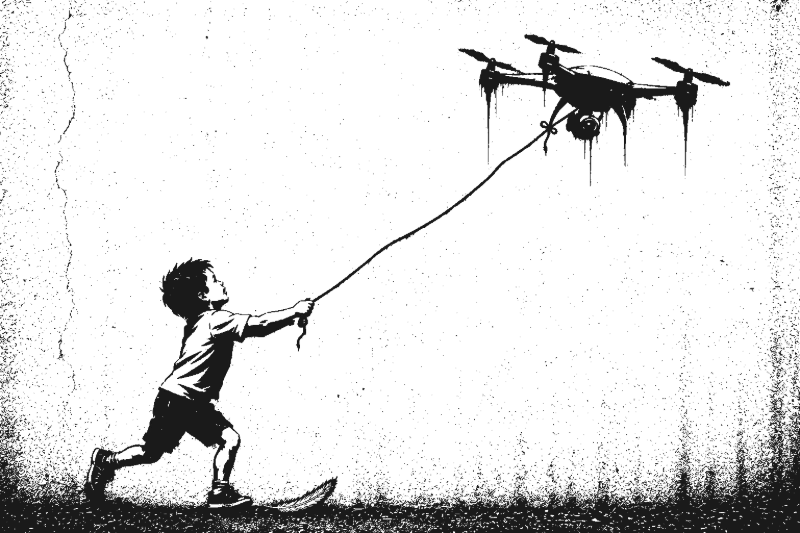
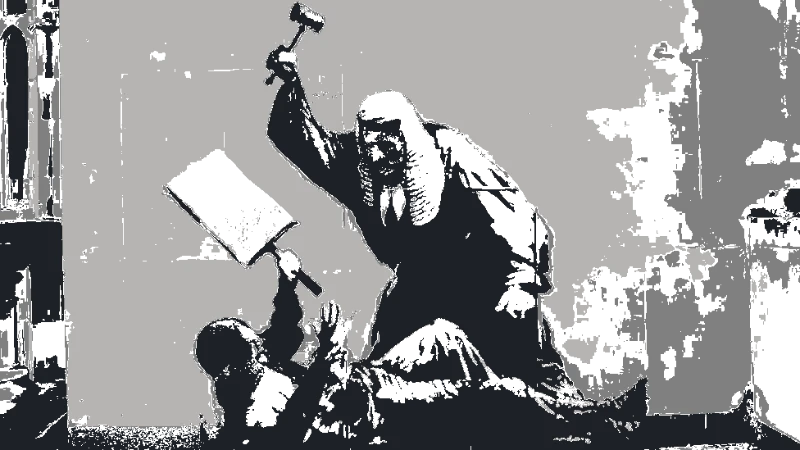
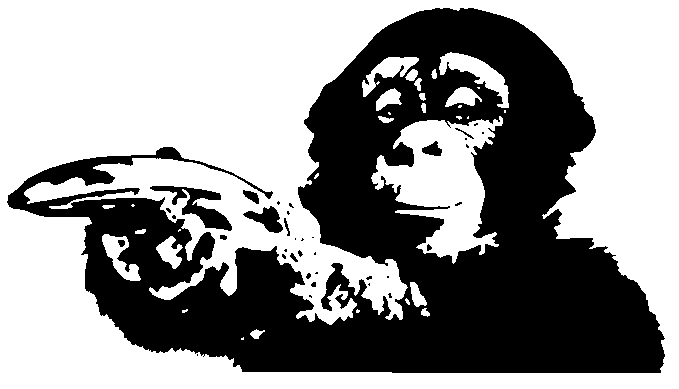
Real street art stencils created with bold contrast and political edge - from portraits to social commentary.
How it works
Drop in any photo and pick a style. Portraits, pets, logos, anything - the layers are cut for you in seconds.
One slider per layer: more detail or a cleaner cut. Hold to compare against the original photo.
Islands that would fall out are found and highlighted. One tap fixes every layer, or draw your own bridges.
Download print-ready files with registration marks. PDF, PNG, Cricut SVG or DXF - your choice.
Features
High-contrast output, bold layer separation, and spray-ready files - built for street art techniques and wall-scale work.
Never worry about floating pieces again.
Handle complex designs with ease.
If you know Photoshop, you're already home.
Every format you need, ready to cut.
Pricing
Free downloads include PDF and PNG with up to 3 layers. Pro unlocks every layer, Cricut, SVG and DXF files, and multi-page printing.
$0Free
No card needed.
$99once$249
Pay once. Keep Pro forever.
One payment, non-refundable. Secure checkout by Stripe.
$10/ month
Renews monthly. Cancel anytime.
7-day money back. Secure checkout by Stripe.
FAQ
Banksy uses multi-layer stencils cut from thick card or acetate, sprayed with aerosol paint for fast, precise wall art. The signature look comes from high-contrast black-and-white imagery with bold shadow separation. Our tool replicates this aesthetic by converting any photo into clean, multi-layer stencil files.
Each layer represents a different shade or tone. You cut and spray one layer at a time, building up depth and detail with each pass. Start with the lightest layer and work toward the darkest. The tool generates separate layers you can export and cut individually.
Yes - any image with a strong subject and clear composition works well. Portraits, protest imagery, and social commentary photos all convert cleanly into bold stencil art. Use the threshold controls to push toward the high-contrast look that defines political street art.
Photos with strong subjects, clear silhouettes, and good contrast produce the best results. Portraits, figures in action, and iconic objects all work well. Avoid overly busy backgrounds - or use our background removal tool to isolate your subject first.
Use light, even coats from about 15-20cm away to avoid paint bleeding under the stencil. Secure the stencil firmly against the surface with tape or weights. Let each layer dry completely before applying the next. Thicker card stock or mylar sheets hold up better for repeated use.
Our Banksy-style stencil maker turns any photo into bold, spray-paint-ready street art stencils. Whether you are creating political commentary, portrait stencils, or graphic wall art, the tool delivers the high-contrast, multi-layer output that defines the Banksy aesthetic. Upload any image and download free SVG, PDF, or DXF stencil files instantly.
Create street art stencils - completely free, no account required.
No account needed to try