

Free
$0
For trying the tool and printing simple stencils.
- Basic PDF + PNG downloads
- Unlimited layers
- Home-printer friendly
Bold single-shape silhouette stencils from any photo. Perfect for one-colour cuts, vinyl decals, and clean wall-art shapes - no fuss, no detail, just shape.
No credit card required
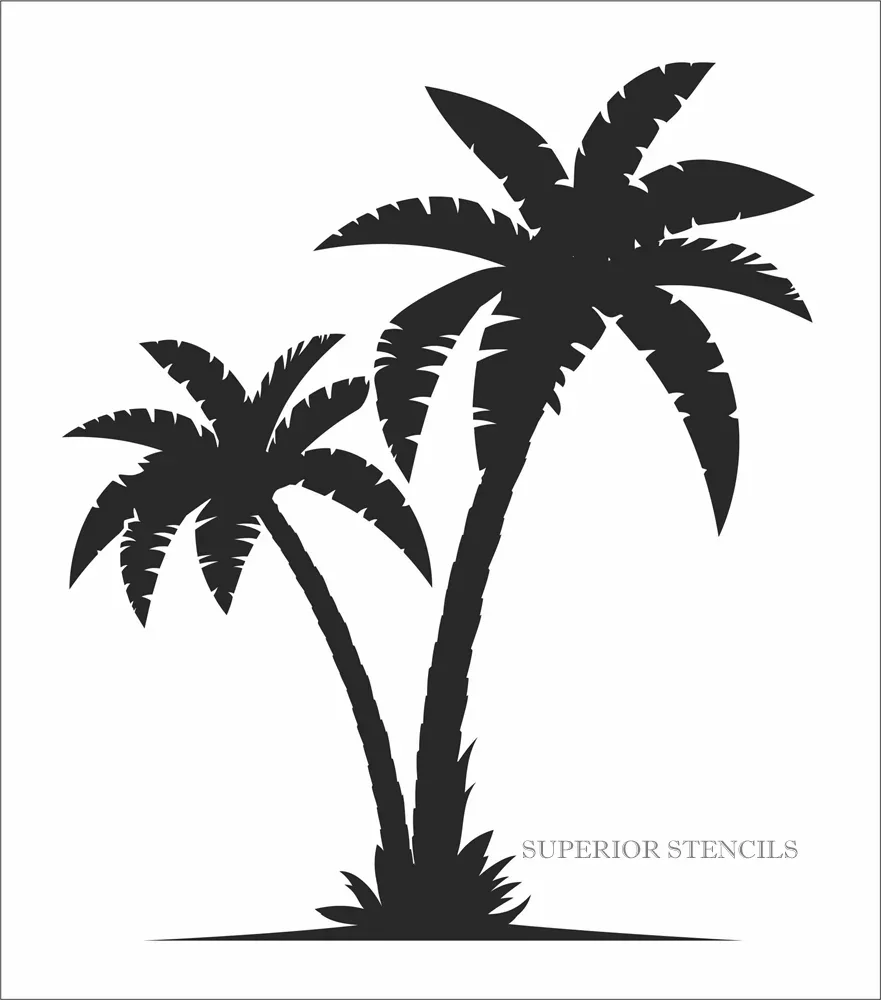

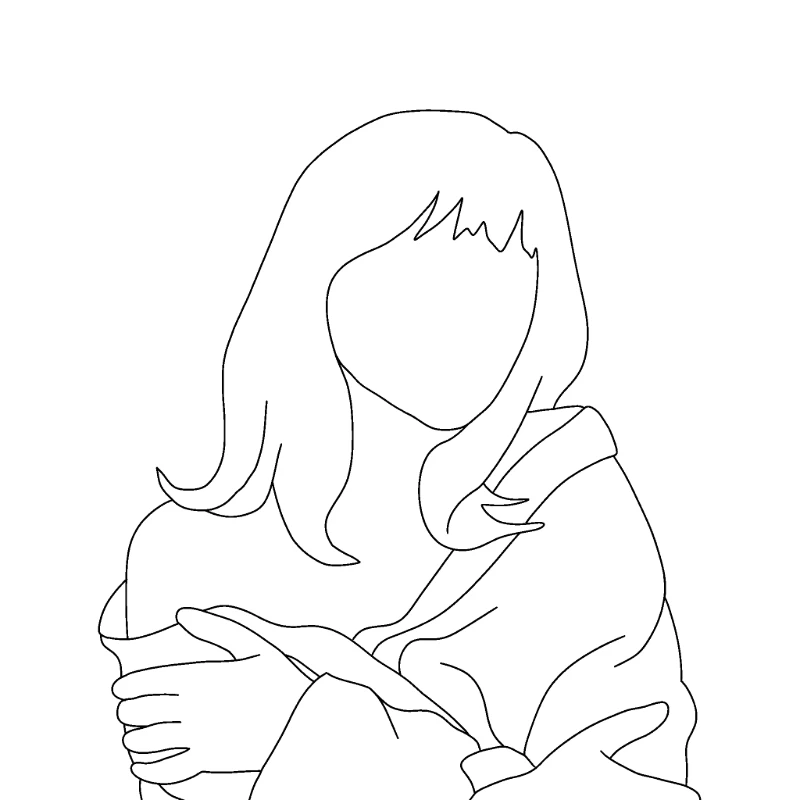
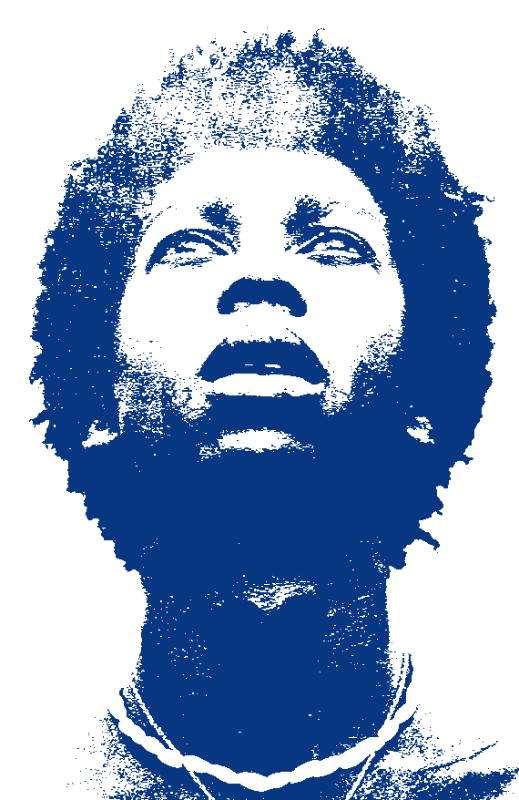
Pure single-shape silhouettes cut from real photos - trees, animals, people, skylines, and bold minimalist forms.
Drop in any photo and pick a style. Portraits, pets, logos, anything - the layers are cut for you in seconds.
One slider per layer: more detail or a cleaner cut. Hold to compare against the original photo.
Islands that would fall out are found and highlighted. One tap fixes every layer, or draw your own bridges.
Download print-ready files with registration marks. PDF, PNG, Cricut SVG or DXF - your choice.
Hard threshold, clean closed paths, automatic bridging - your silhouette comes out as one solid shape ready for any cutter.
Never worry about floating pieces again.
Handle complex designs with ease.
If you know Photoshop, you're already home.
Every format you need, ready to cut.
Free covers PDF/PNG. Pro unlocks SVG, DXF, Cricut and wall-size printing on every stencil — from $10/mo.
$0
For trying the tool and printing simple stencils.
$10/mo
For makers who want every format on every stencil.
$249
Pay once — about 2 years of Pro, forever.
Turn any photo or design into a clean single-shape silhouette stencil. Our silhouette stencil maker uses a hard threshold to flatten your image into one bold shape with no gradient or detail - just pure outline. Export as SVG to use directly in Silhouette Studio (for Cameo, Curio, Portrait, and Mint cutters), Cricut Design Space, or Brother ScanNCut. Export as PNG for printing onto transfer paper, PDF for tiled wall-size silhouettes you can spray, or DXF for laser engraving and CNC routing. Popular silhouette uses include vinyl decals for car windows and laptops, minimalist wall art prints, single-colour t-shirt designs, paper-cut framed gifts, and cricut-cut iron-on transfers for tote bags and tea towels. Works with any subject - portraits, pets, animals, plants, buildings, abstract shapes.
Get a clean silhouette from any photo. Your first stencil is free.
No account needed to try
Browse all stencil templates