




Upload Your Image
Drop in any photo and pick a style. Portraits, pets, logos, anything - the layers are cut for you in seconds.
Laser, CNC and Cricut-ready stencil exports
Create DXF stencil files for laser cutters, CNC routers, plasma tables and LightBurn. Convert a photo or logo into bridged, cut-ready stencil layers in seconds.
No credit card required

Original → StencilDrag to compare
Real Examples
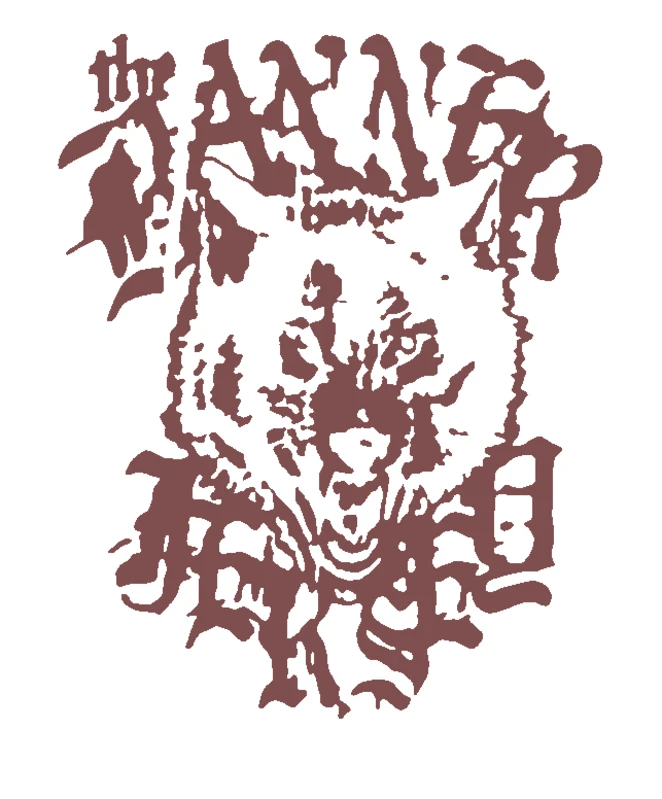
Cut-ready stencil projects for makers, sign shops, laser cutting and CNC workflows.
How it works
Drop in any photo and pick a style. Portraits, pets, logos, anything - the layers are cut for you in seconds.
One slider per layer: more detail or a cleaner cut. Hold to compare against the original photo.
Islands that would fall out are found and highlighted. One tap fixes every layer, or draw your own bridges.
Download print-ready files with registration marks. PDF, PNG, Cricut SVG or DXF - your choice.
Features
We solved the problems that make stencil creation painful. No floating pieces, no complex layers, no learning curve.
Never worry about floating pieces again.
Handle complex designs with ease.
If you know Photoshop, you're already home.
Every format you need, ready to cut.
Pricing
Free downloads include PDF and PNG with up to 3 layers. Pro unlocks every layer, Cricut, SVG and DXF files, and multi-page printing.
$0Free
No card needed.
$99once$249
Pay once. Keep Pro forever.
One payment, non-refundable. Secure checkout by Stripe.
$10/ month
Renews monthly. Cancel anytime.
7-day money back. Secure checkout by Stripe.
FAQ
Yes. Upload the photo, simplify it into stencil layers, add bridges where needed, then export DXF for laser or CNC workflows.
The DXF export is intended for common laser and CNC software including LightBurn-style workflows. SVG is also available if your cutter software prefers SVG.
Bridges keep floating islands connected so centres of letters, eyes and small details do not fall out when the stencil is cut.
A one-off stencil unlock includes PDF, PNG, SVG, DXF, Cricut-ready vector export and wall-size tiled printing for that project.
Convert any image into a DXF stencil file for laser cutters, CNC routers, plasma tables and CAD/CAM software. The editor separates the artwork into stencil layers, highlights floating islands, adds bridges, and exports clean DXF paths alongside SVG, PDF and PNG. Start with free PDF/PNG output, then unlock this stencil for the professional DXF and vector files.
Generate laser-ready DXF stencil files from a photo, logo or drawing.
No account needed to try