


Upload Your Image
Drop in any photo and pick a style. Portraits, pets, logos, anything - the layers are cut for you in seconds.

Used by makers, engineers & electronics hobbyists
Turn circuit board designs, schematics, and PCB layouts into clean multi-layer stencils. Upload any electronics image and get precise stencil layers in seconds.
No credit card required
Original → StencilDrag to compare
Circuit Stencils
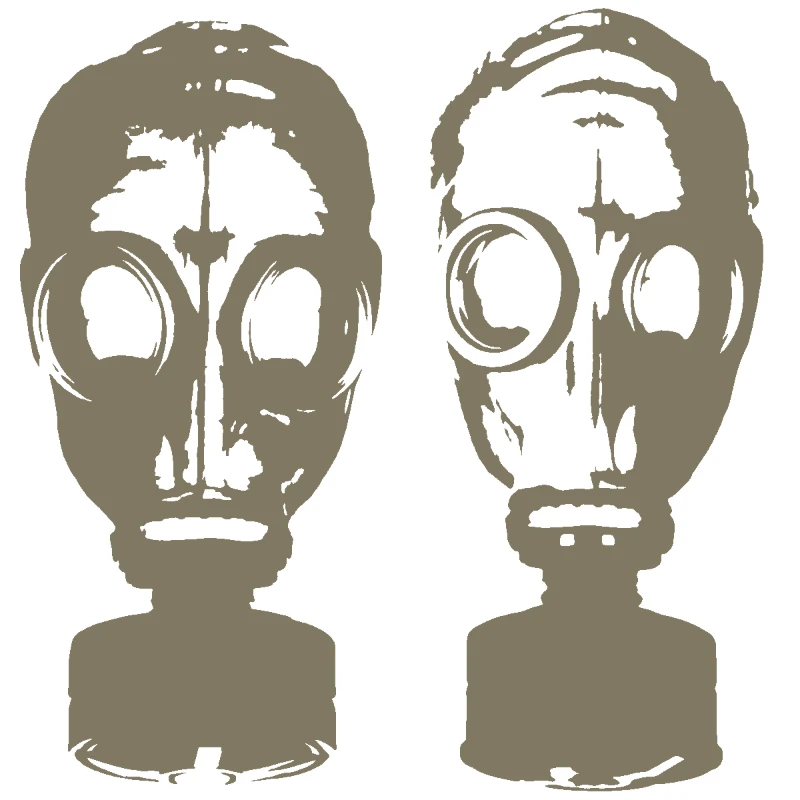
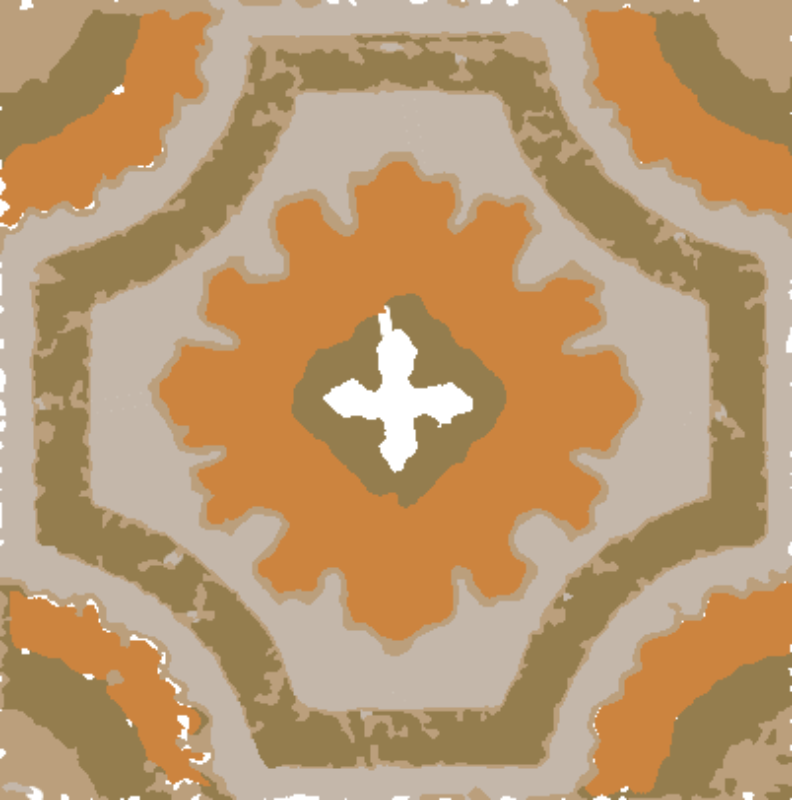
Real circuit and electronics stencil art created by makers - from PCB layouts to decorative tech-inspired designs.
How it works
Drop in any photo and pick a style. Portraits, pets, logos, anything - the layers are cut for you in seconds.
One slider per layer: more detail or a cleaner cut. Hold to compare against the original photo.
Islands that would fall out are found and highlighted. One tap fixes every layer, or draw your own bridges.
Download print-ready files with registration marks. PDF, PNG, Cricut SVG or DXF - your choice.
Features
Clean trace separation, precise layer control, and export formats perfect for PCB solder paste stencils, wall art, and maker projects.
Never worry about floating pieces again.
Handle complex designs with ease.
If you know Photoshop, you're already home.
Every format you need, ready to cut.
Pricing
Free downloads include PDF and PNG with up to 3 layers. Pro unlocks every layer, Cricut, SVG and DXF files, and multi-page printing.
$0Free
No card needed.
$99once$249
Pay once. Keep Pro forever.
One payment, non-refundable. Secure checkout by Stripe.
$10/ month
Renews monthly. Cancel anytime.
7-day money back. Secure checkout by Stripe.
FAQ
Clean PCB layout images, schematic diagrams, and high-contrast circuit board photos work best. Top-down photos of actual circuit boards with good lighting also produce excellent stencils.
Yes! Export your stencil as SVG or DXF for precise solder paste stencil creation. The multi-layer separation can isolate pad patterns from traces for accurate paste application.
For solder paste stencils, 1-2 layers is typical. For decorative circuit art, 3-4 layers captures traces, components, and board outlines beautifully. More layers add depth for wall art pieces.
Absolutely! Circuit board patterns make stunning wall art, t-shirt designs, and maker space decorations. The geometric patterns and intricate traces create visually striking stencils.
Export as SVG for cutting machines and vinyl cutters, PDF for hand cutting and printing, or DXF for laser cutters and CNC machines. All formats maintain the precision needed for circuit patterns.
Yes - electronic schematics with their clean lines and standardised symbols translate well into stencils. They make great educational posters and workshop wall art.
Create circuit board stencils from any PCB layout, schematic, or electronics image. Our circuit stencil maker separates designs into precise layers perfect for solder paste application, decorative wall art, or maker projects. Whether you are making PCB stencils for prototyping, tech-themed wall art for your workshop, or custom electronics designs - upload any circuit image and get a stencil in seconds.
Perfect for makers, engineers, and tech art enthusiasts. Create your first circuit stencil for free.
No account needed to try